Welcome to Frames 1.3. Find your photographs, choose the keepers and make the final edits, with your originals safely unchanged.
Read the full release notes
YOUR LIBRARY
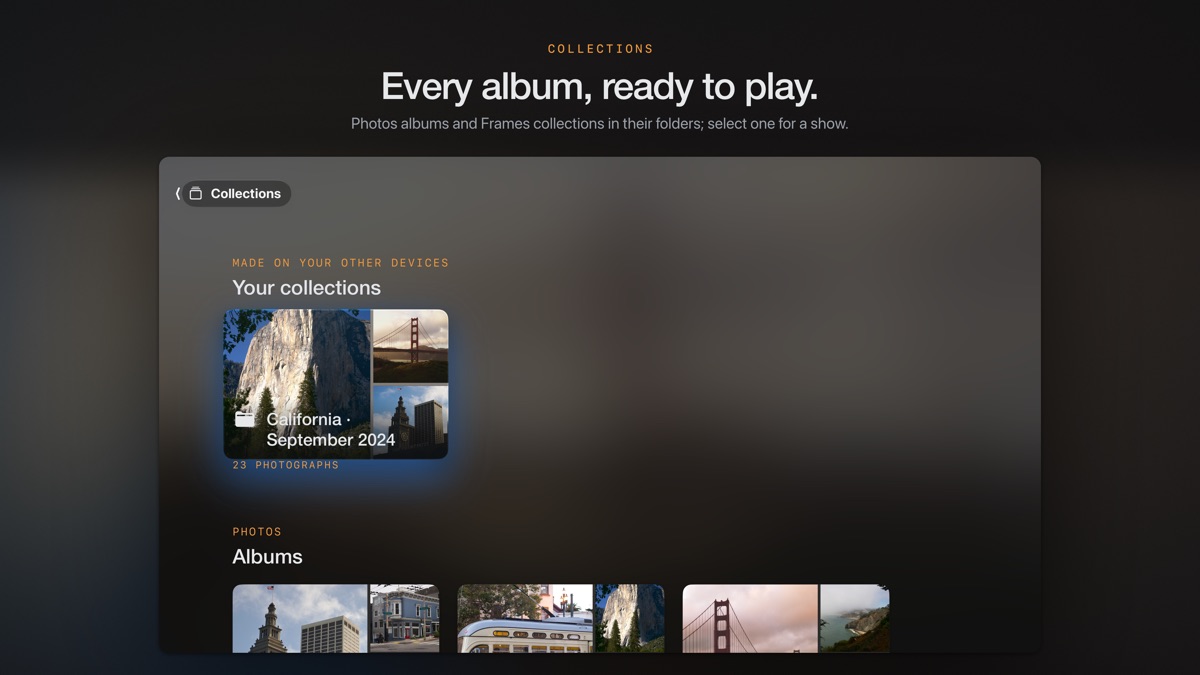
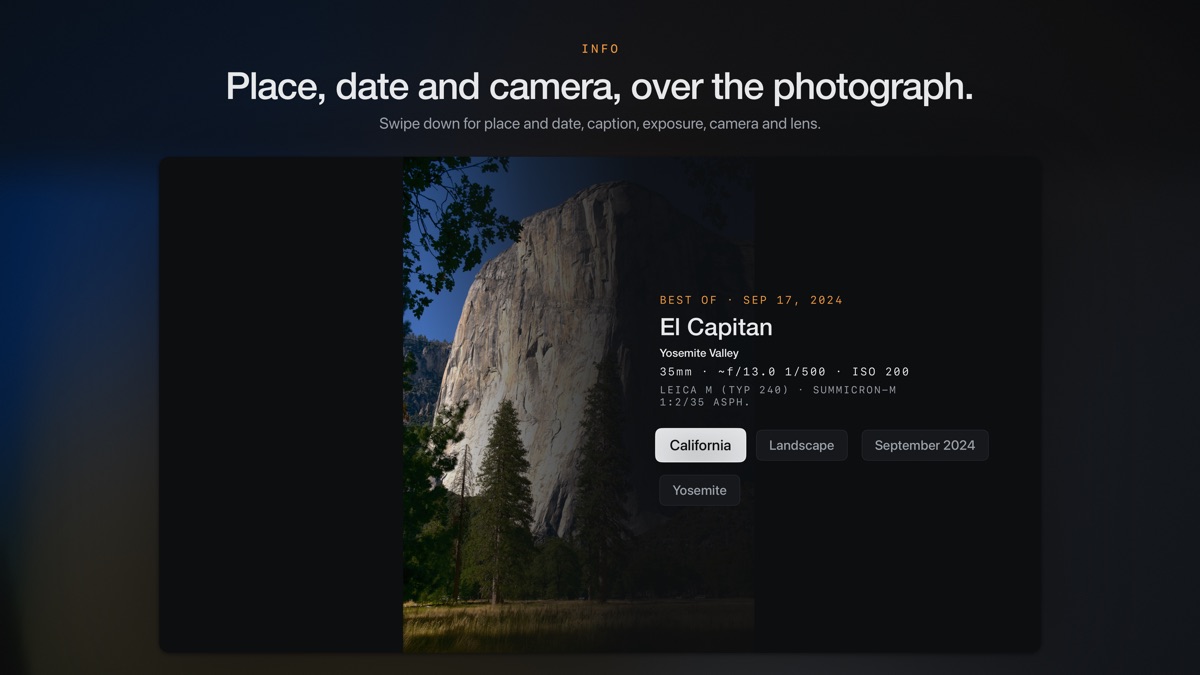
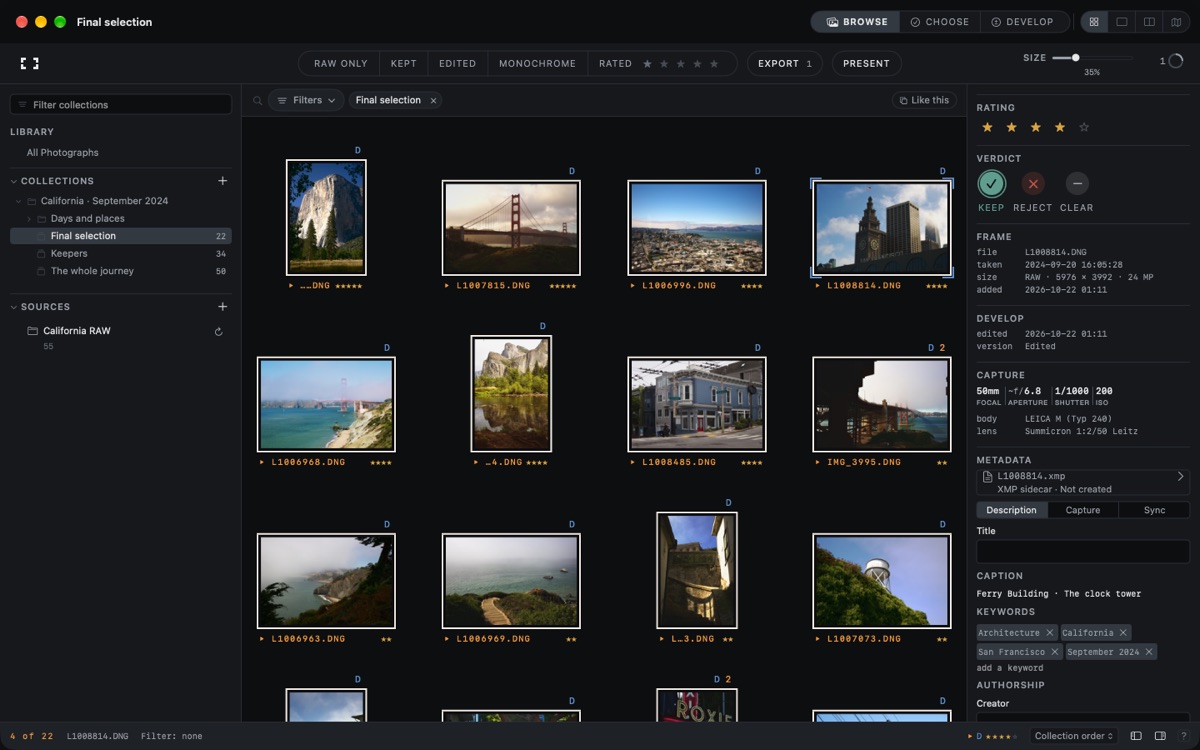
Bring together Apple Photos, folders and external drives. Import memory cards with duplicate checks and RAW+JPEG pairing. Organise albums, folders and collections across sources. Add keywords, titles, captions, credit and capture-time corrections.
FIND AND EXPLORE
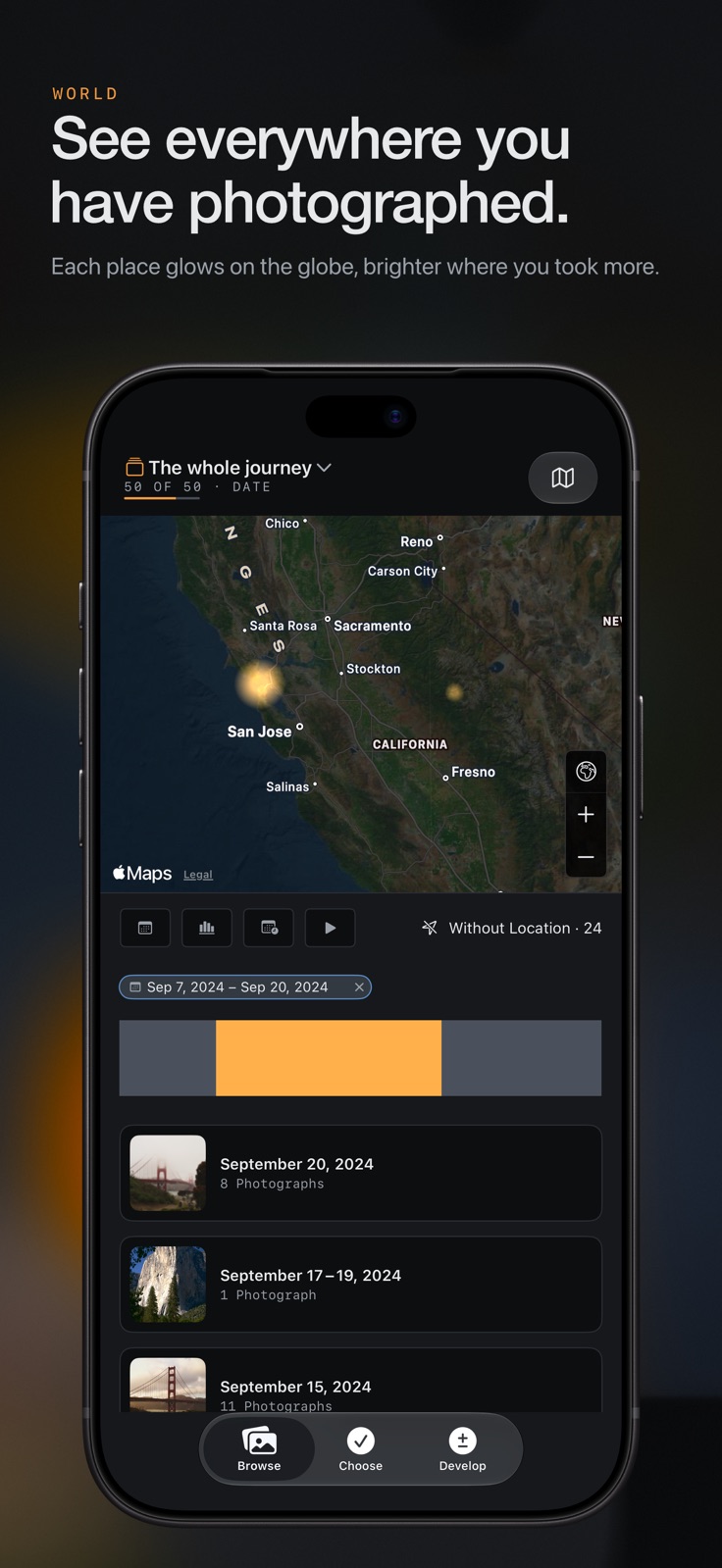
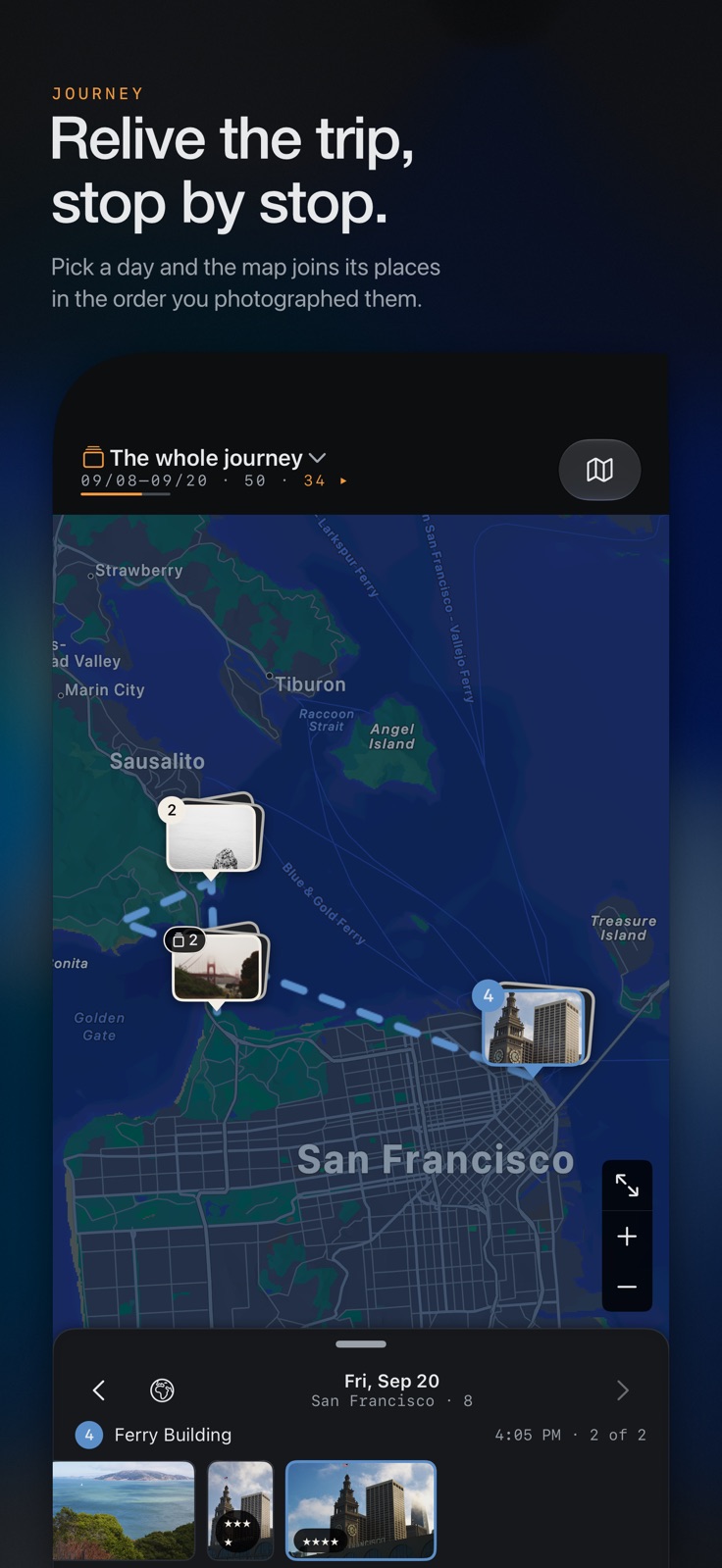
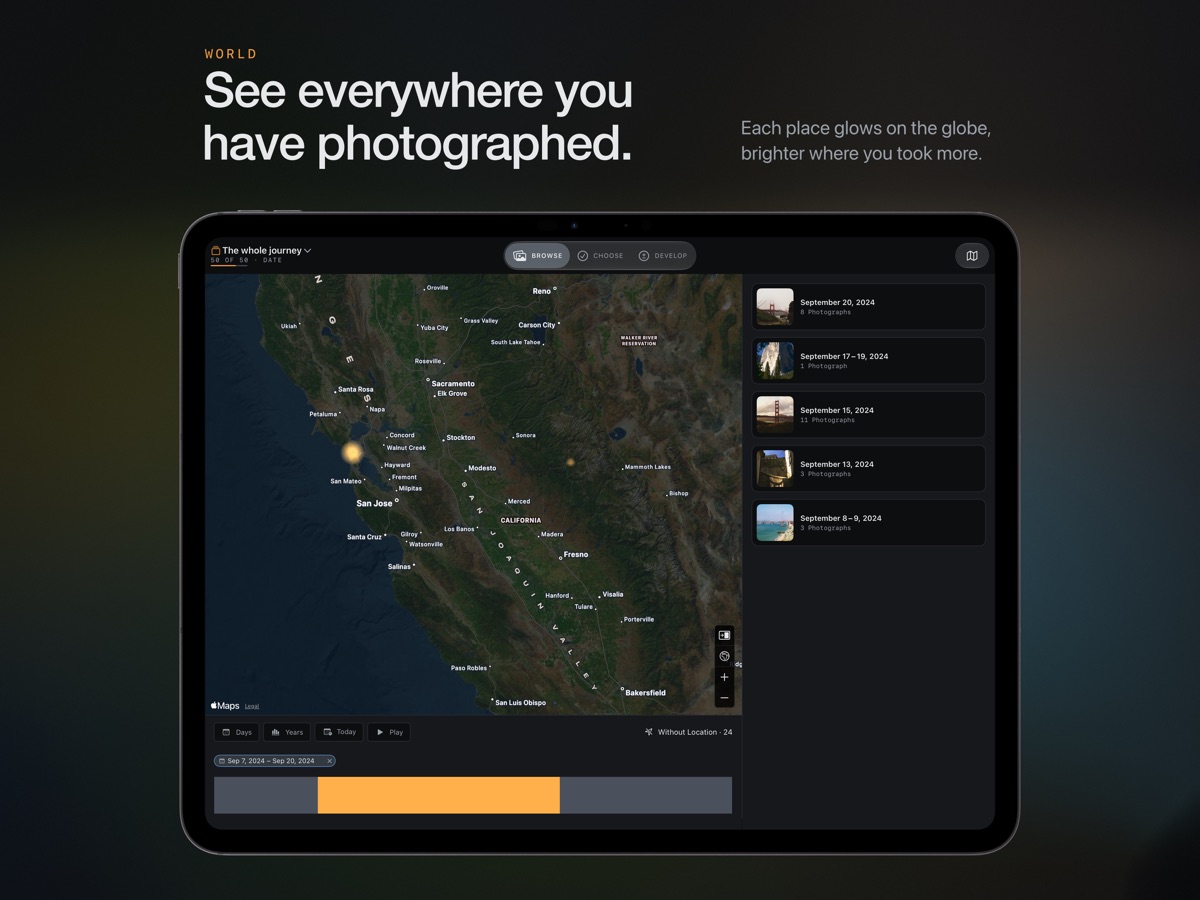
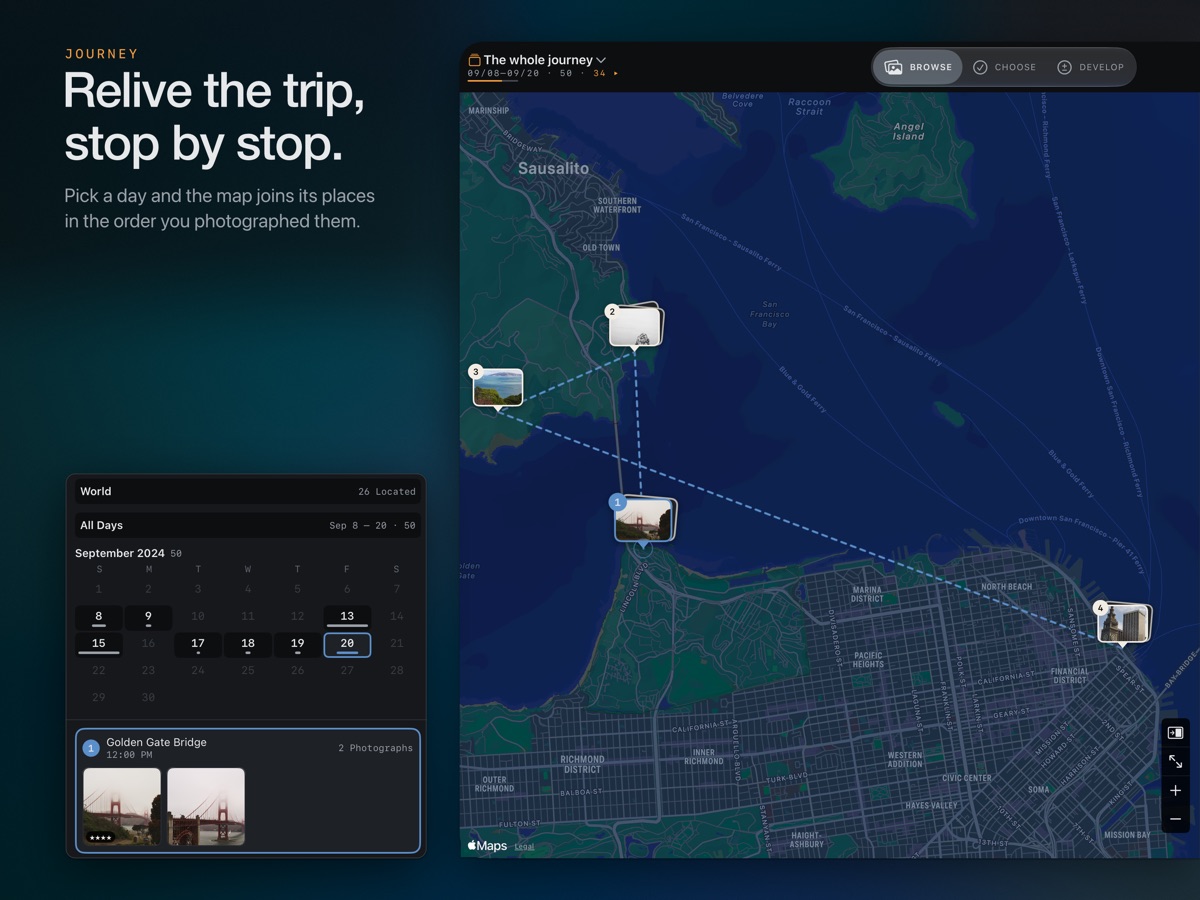
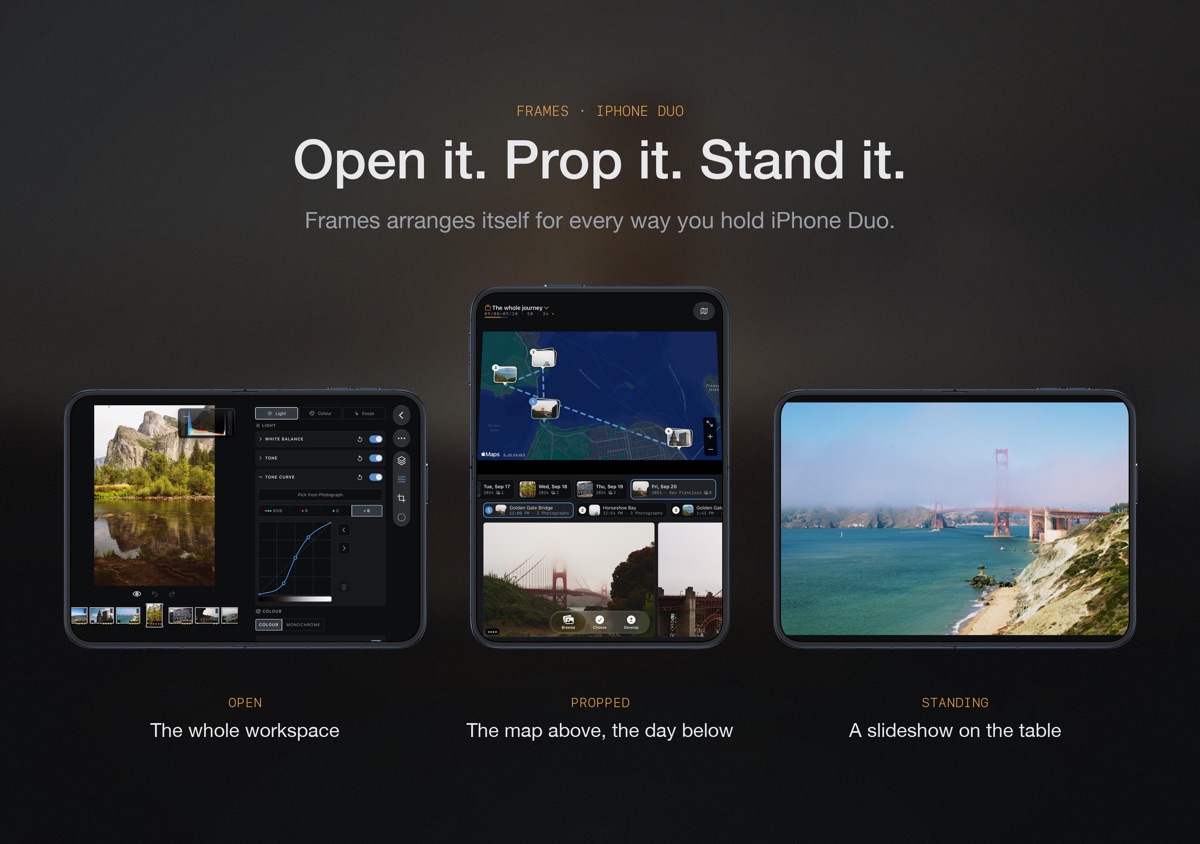
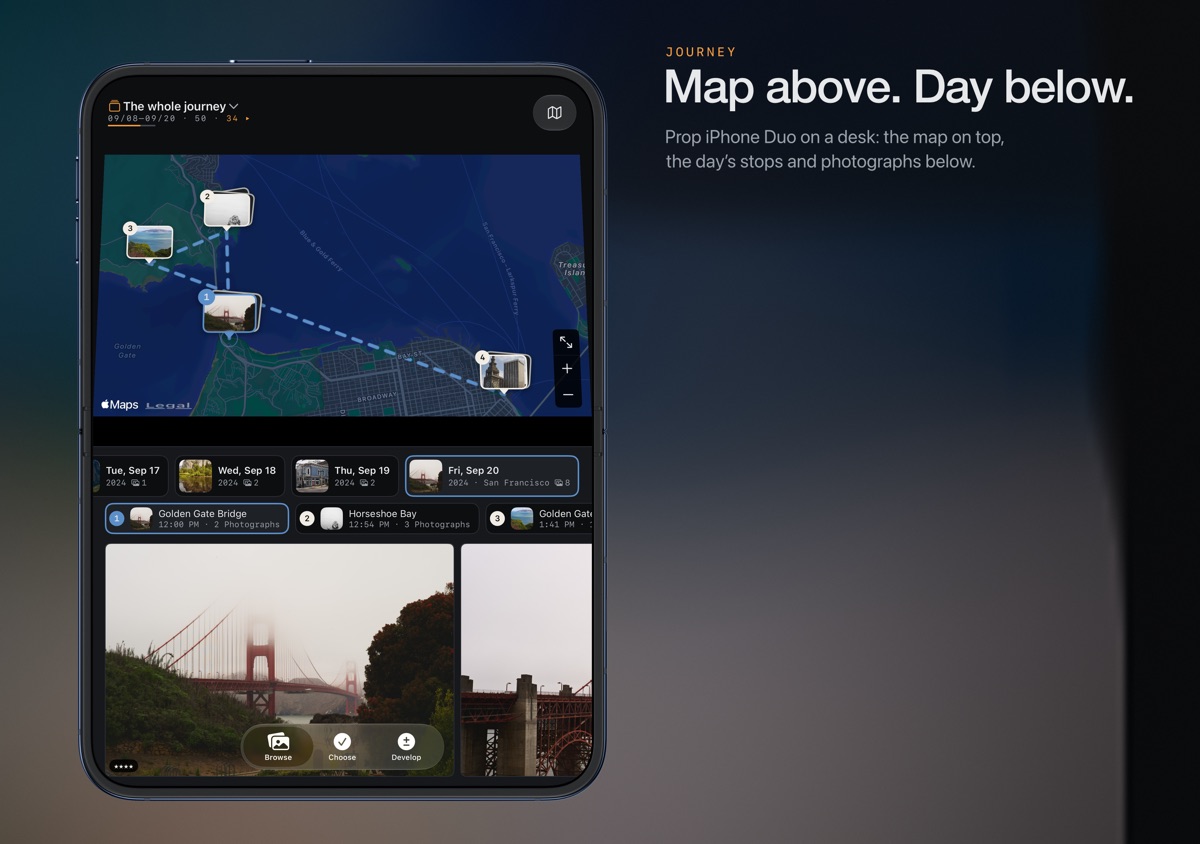
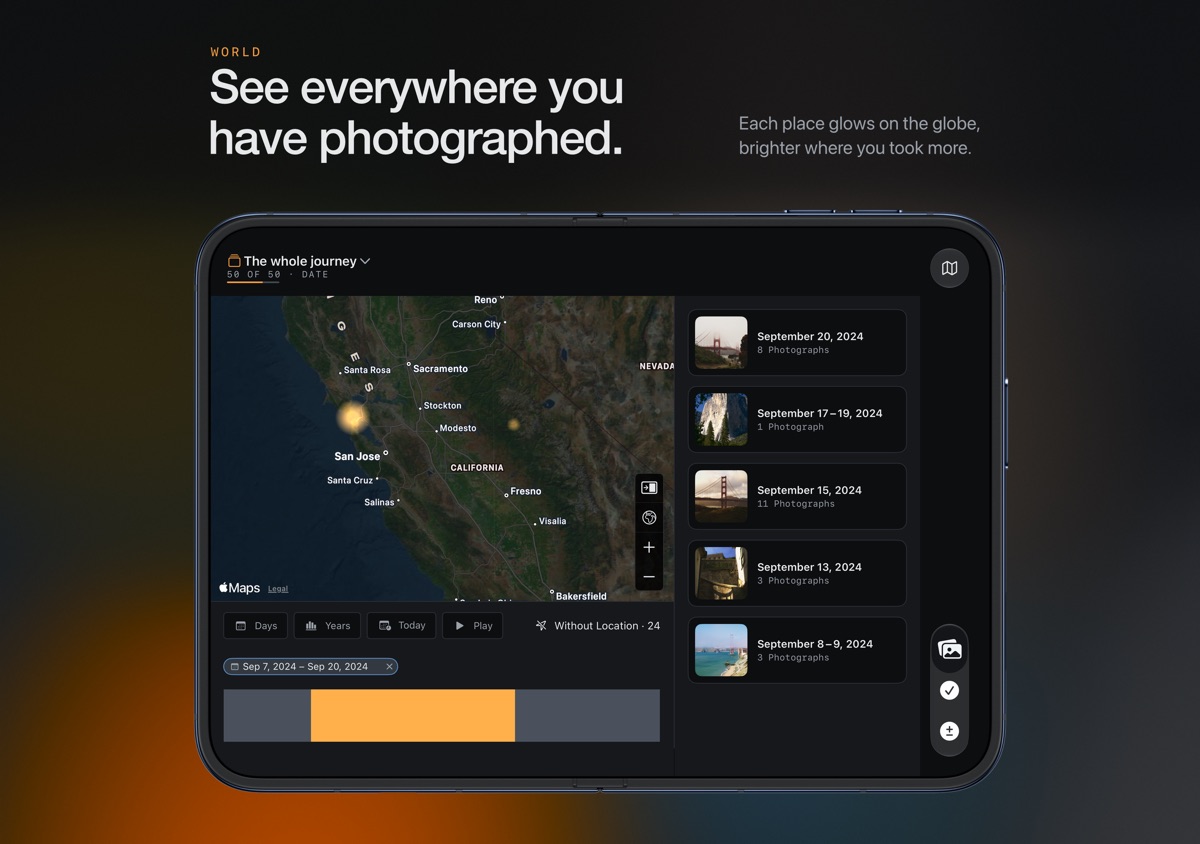
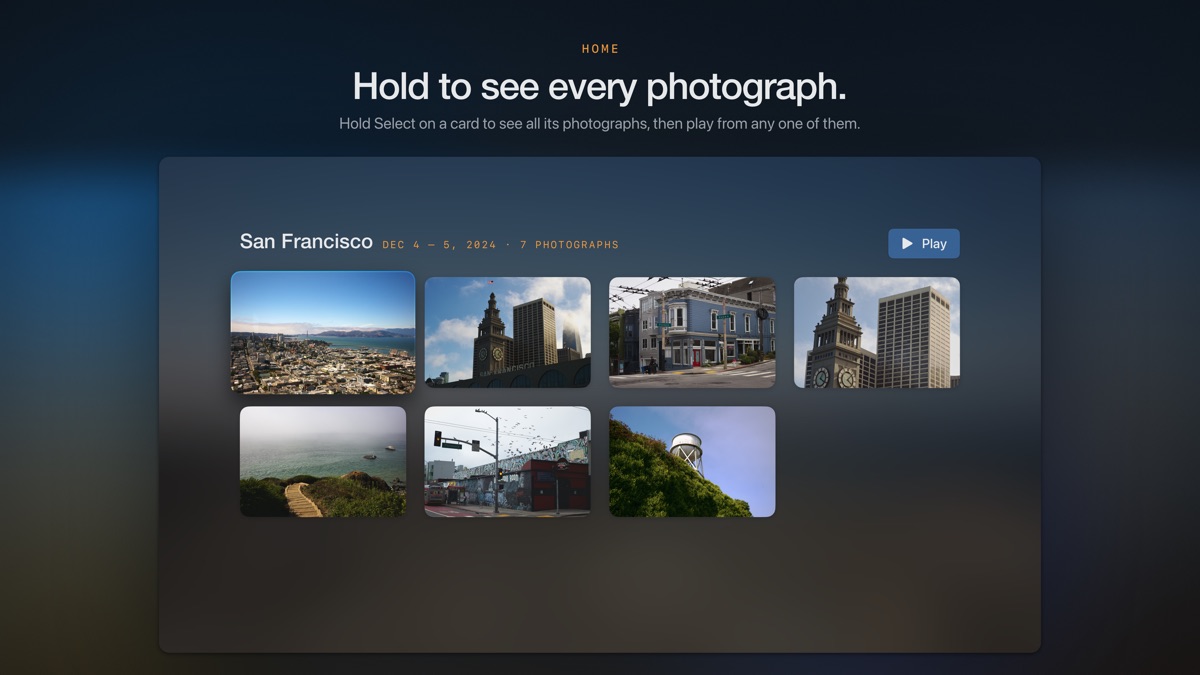
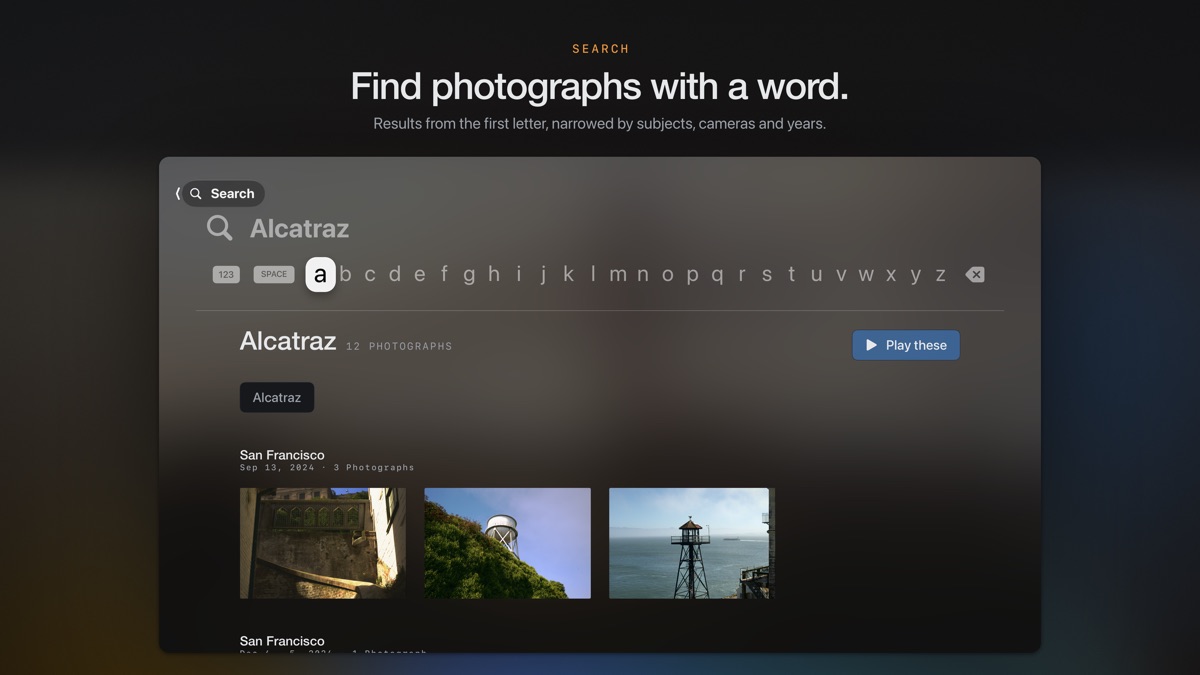
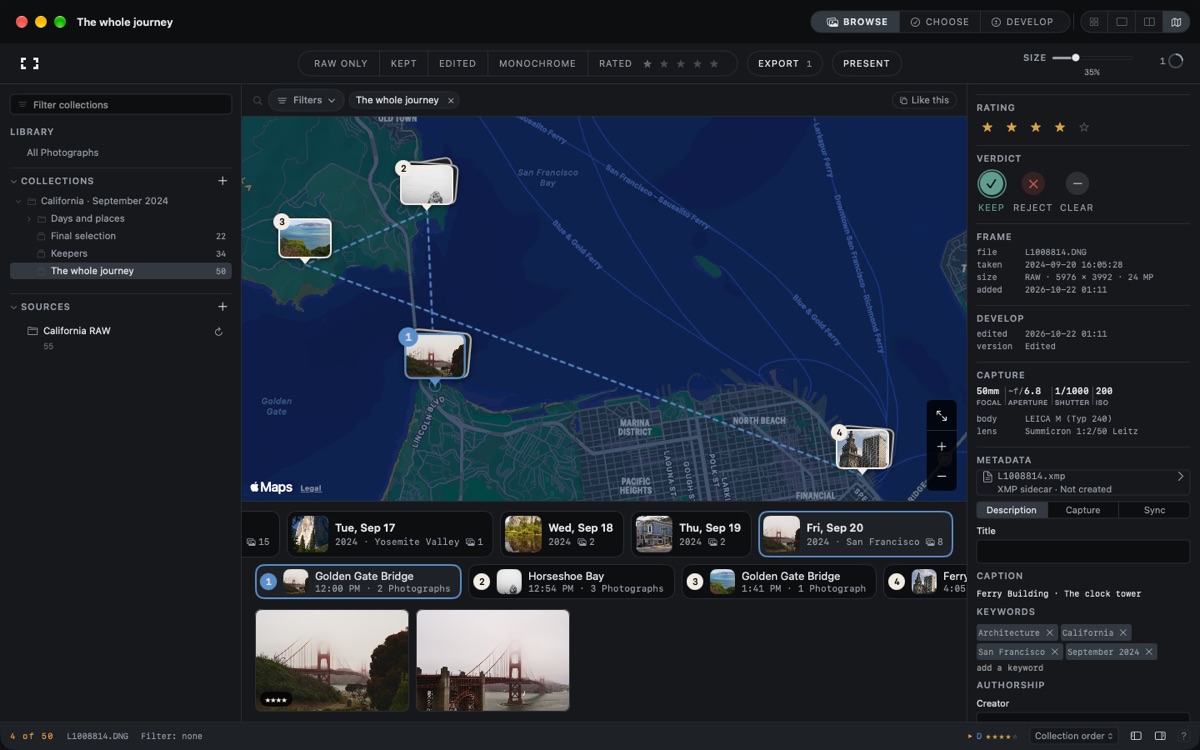
Search detected subjects, visible text, keywords and captions; filter by camera, lens, date and location, and save searches. Explore similar photographs, group related frames into sets, and browse named trips and days. Journey maps the stops you photographed; World lights up a globe and lets you explore your library by year, season or this day in every year. Add locations from GPX, FIT or KML tracks.
CHOOSE YOUR KEEPERS
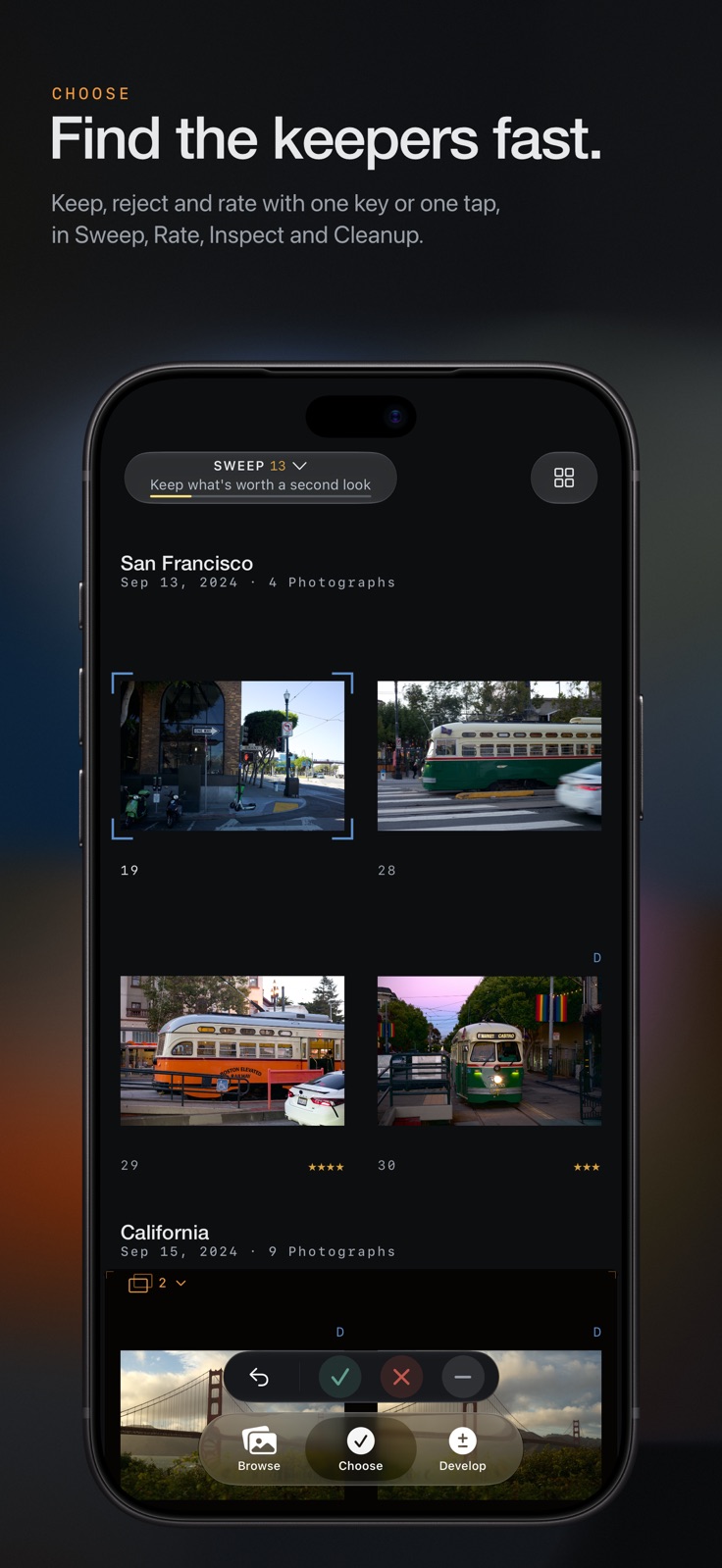
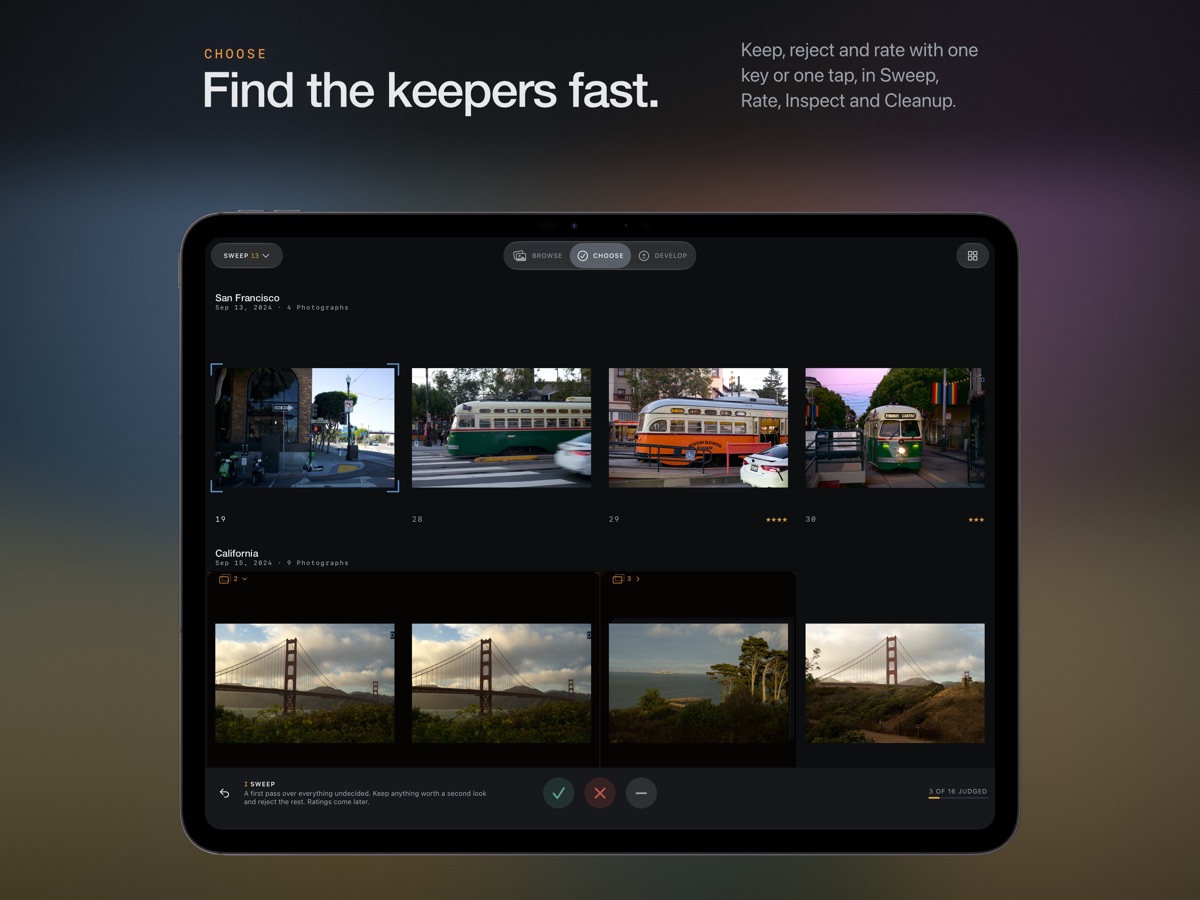
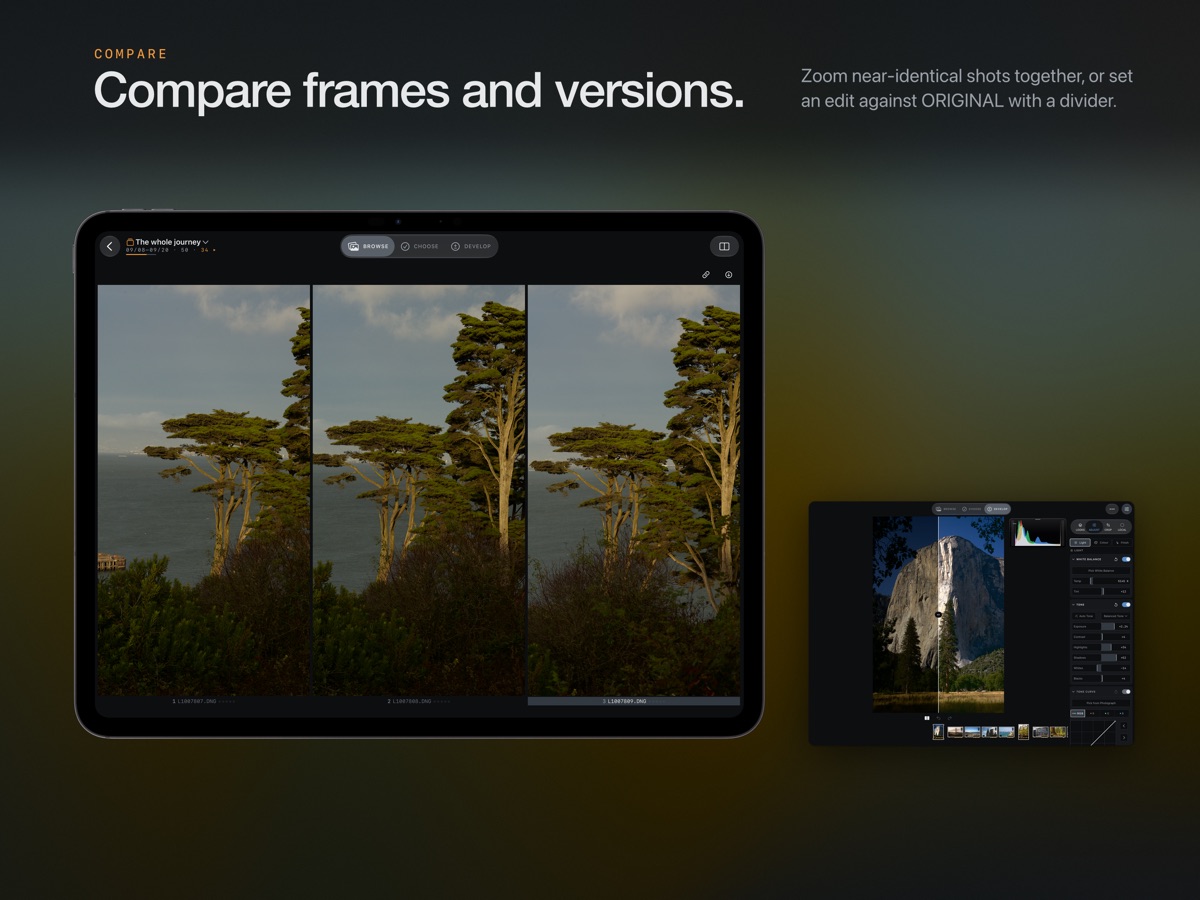
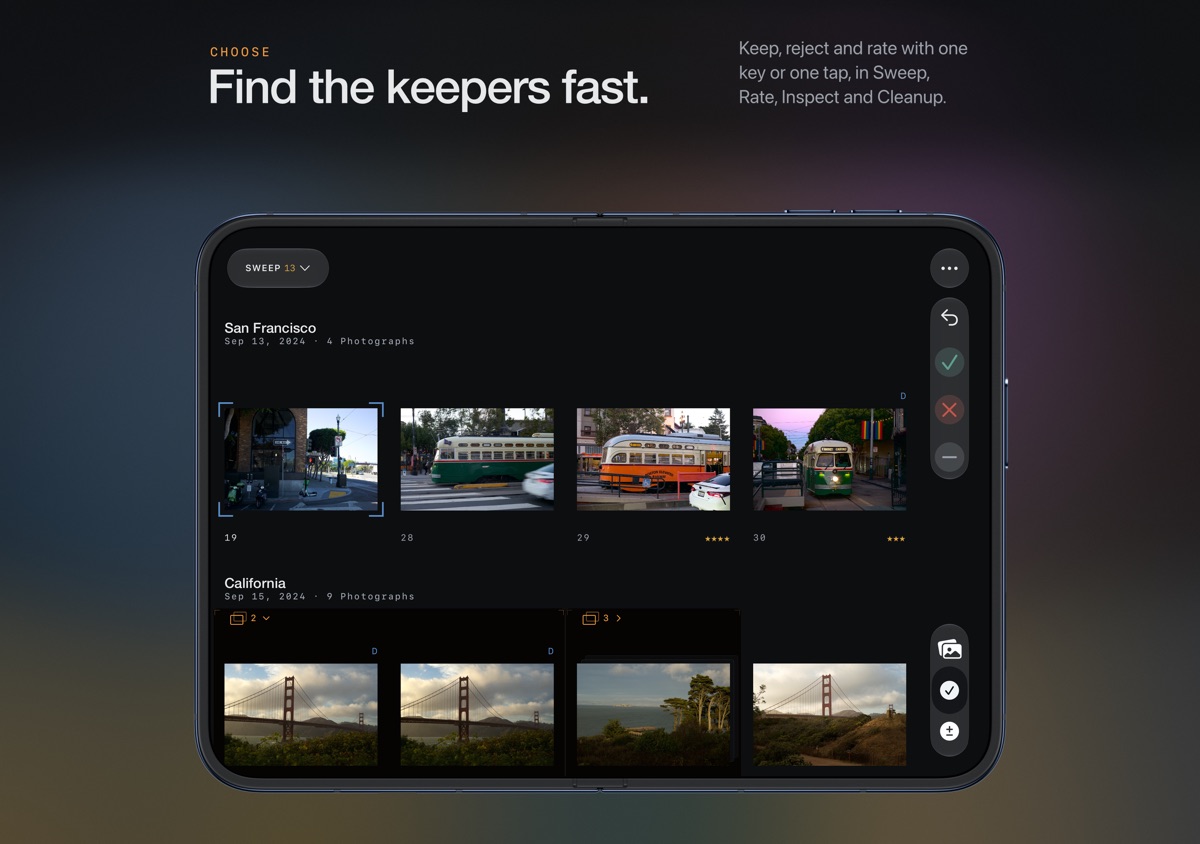
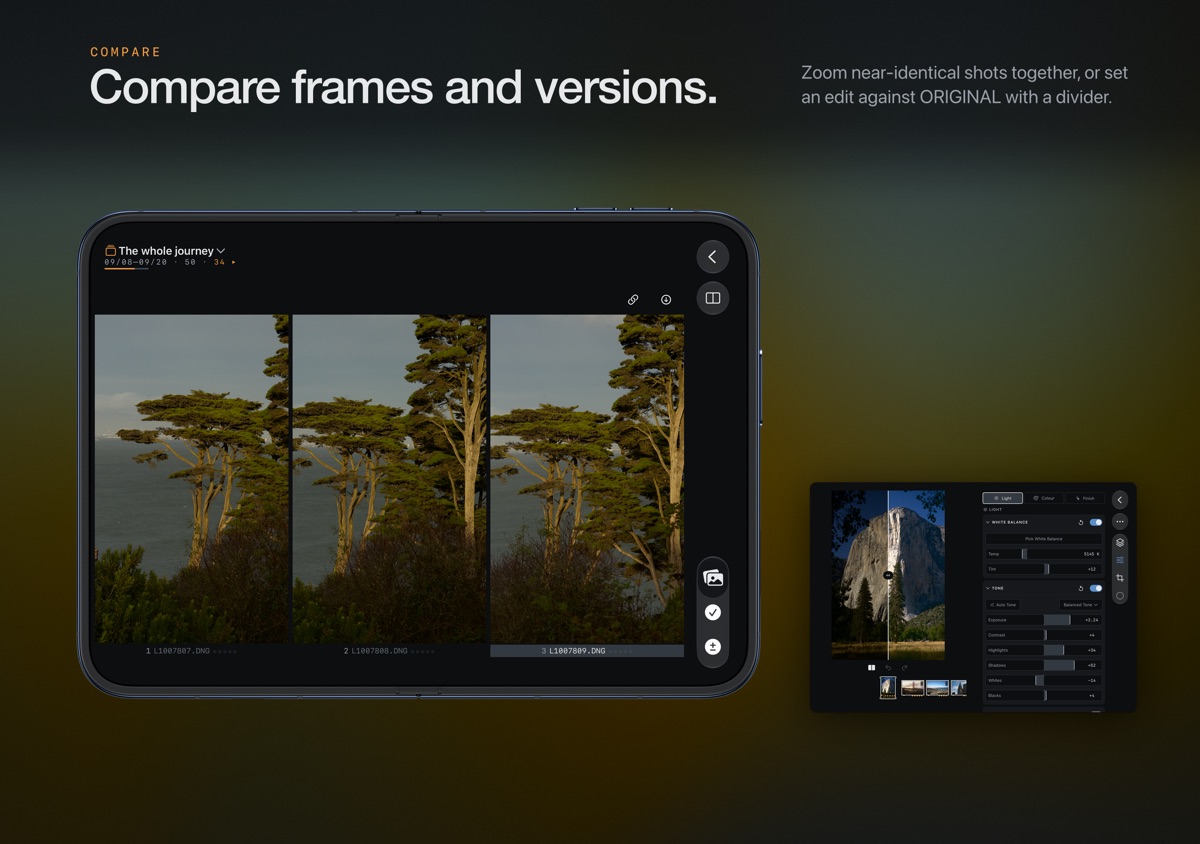
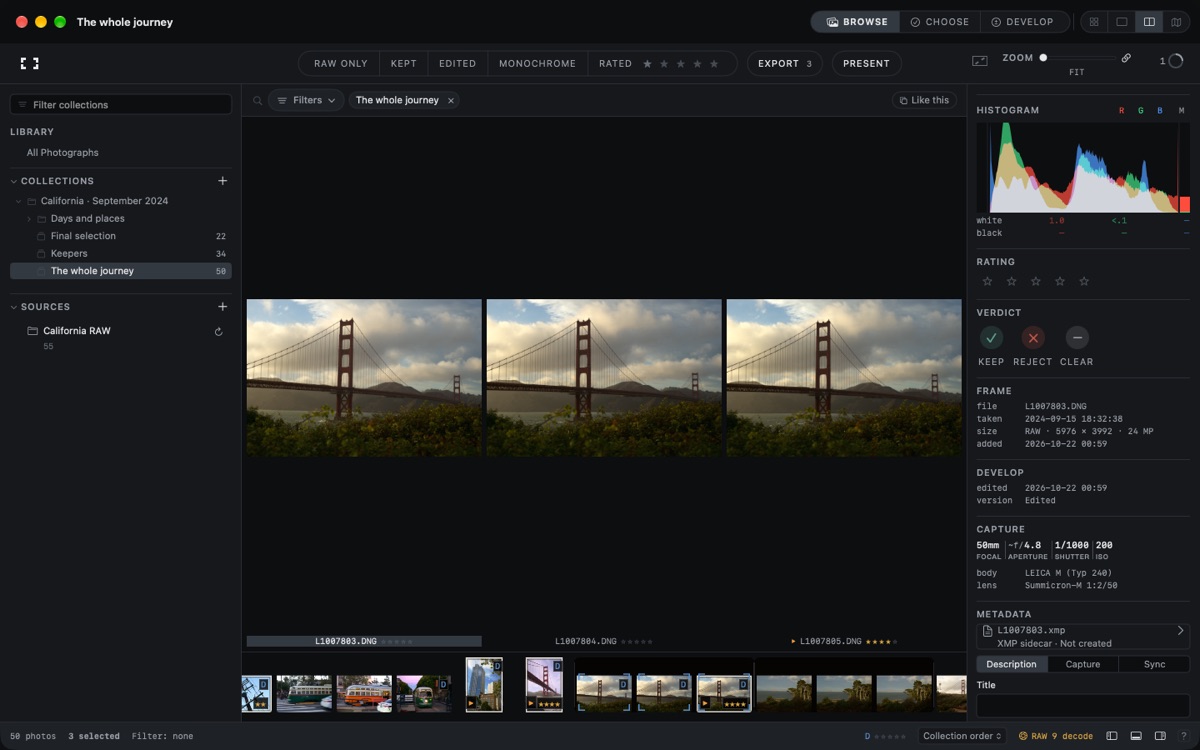
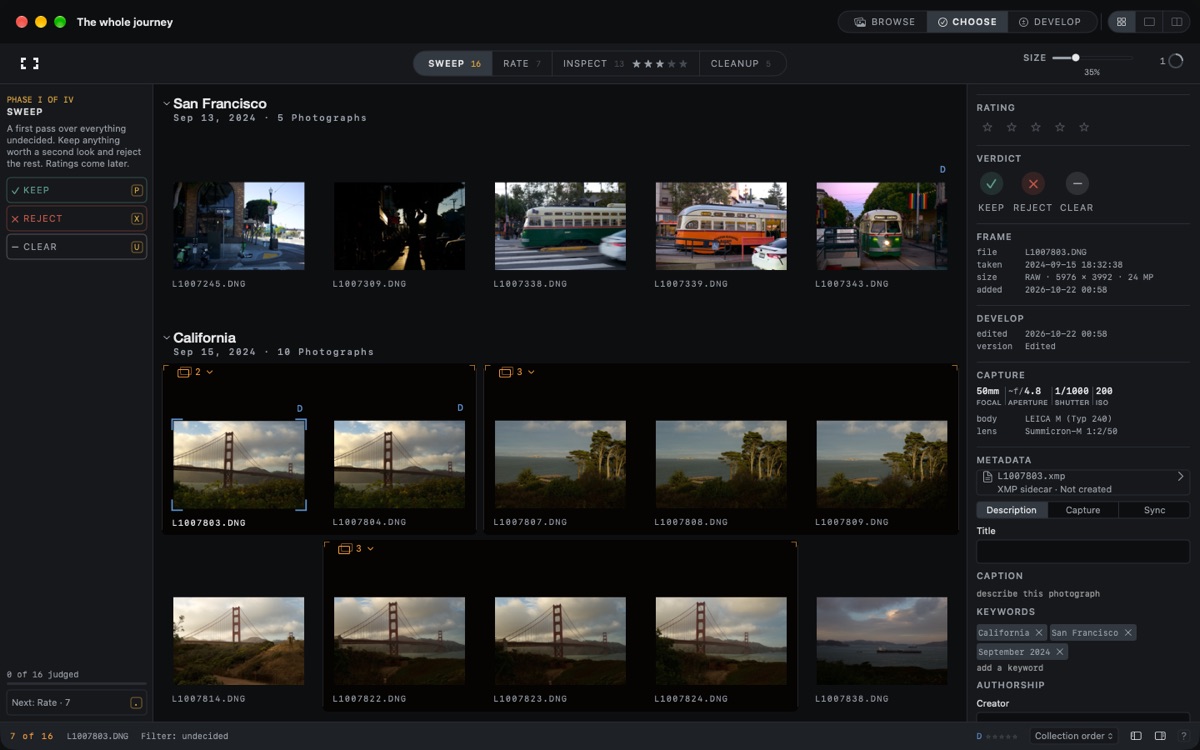
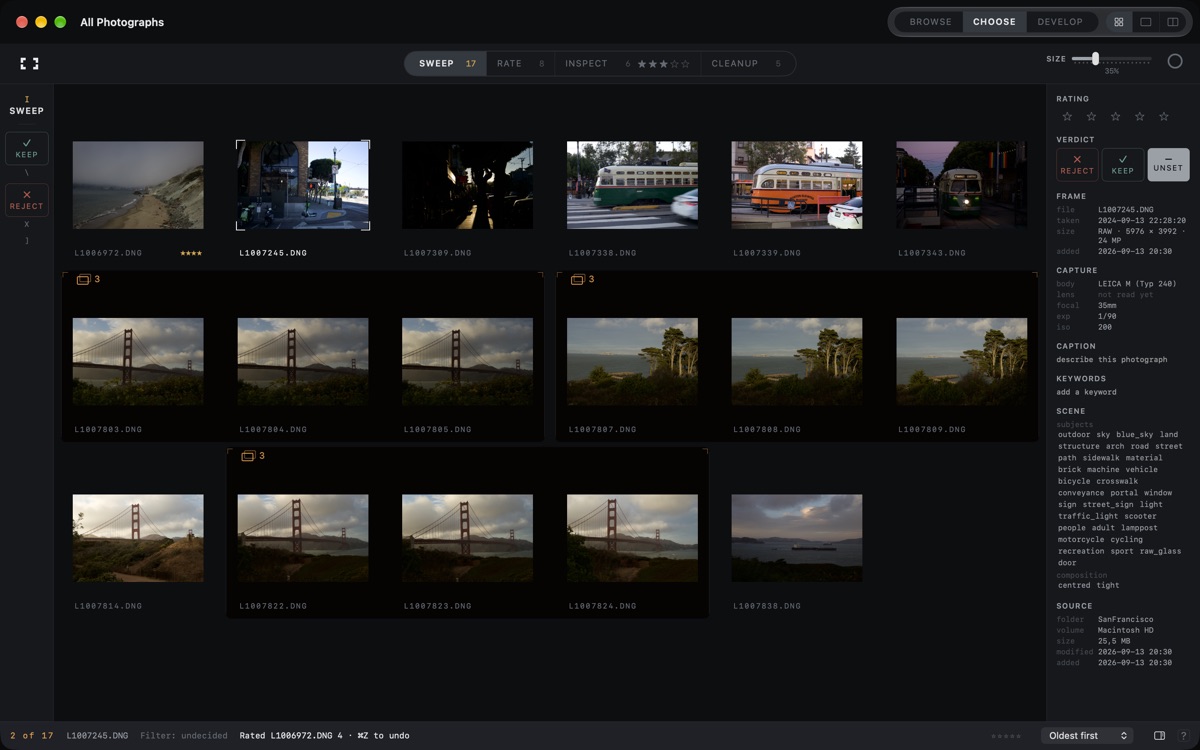
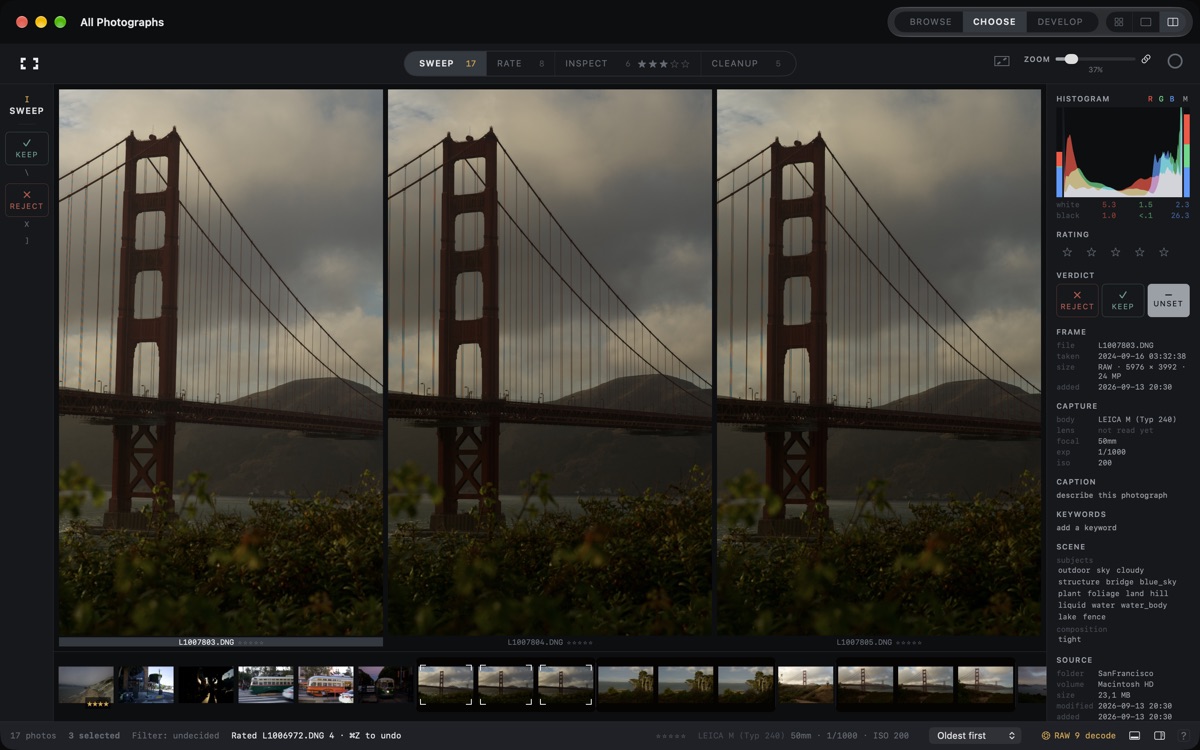
Sweep, Rate, Inspect and Cleanup guide a shoot from first pass to final selection. Keep, reject and rate with a key or tap. Compare up to six photographs with linked zoom, face close-ups, focus peaking and sharpest-frame guidance. File deletion happens only in Cleanup, after confirmation.
DEVELOP YOUR PHOTOGRAPHS
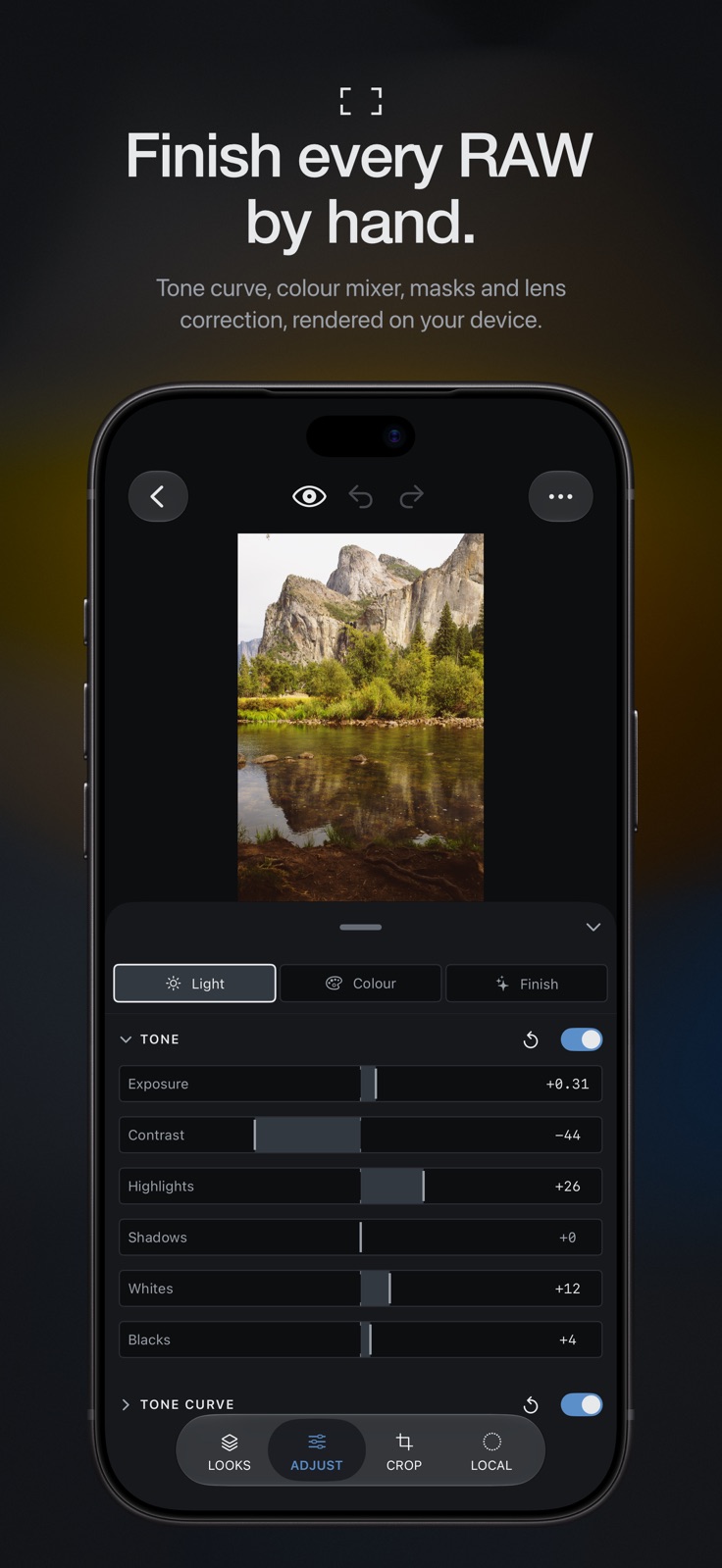
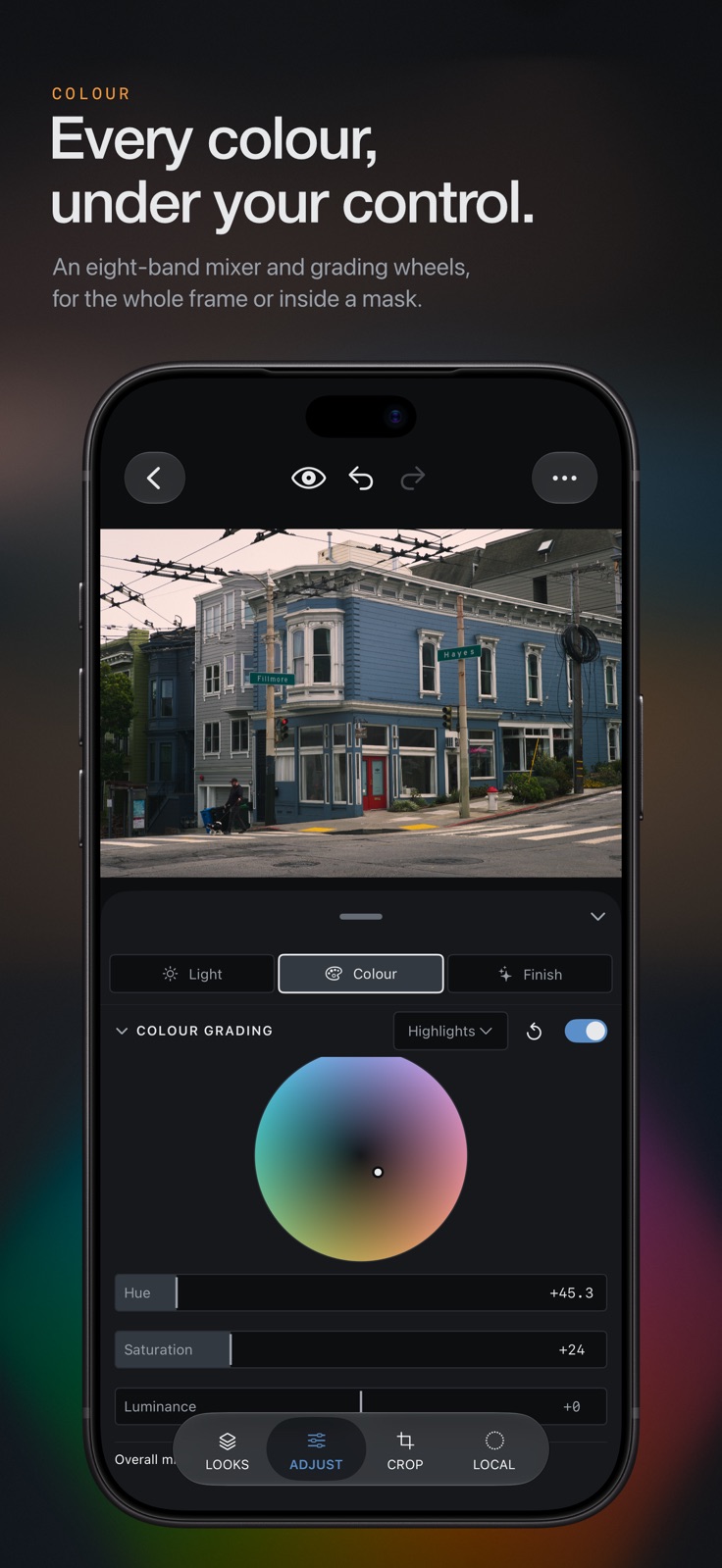
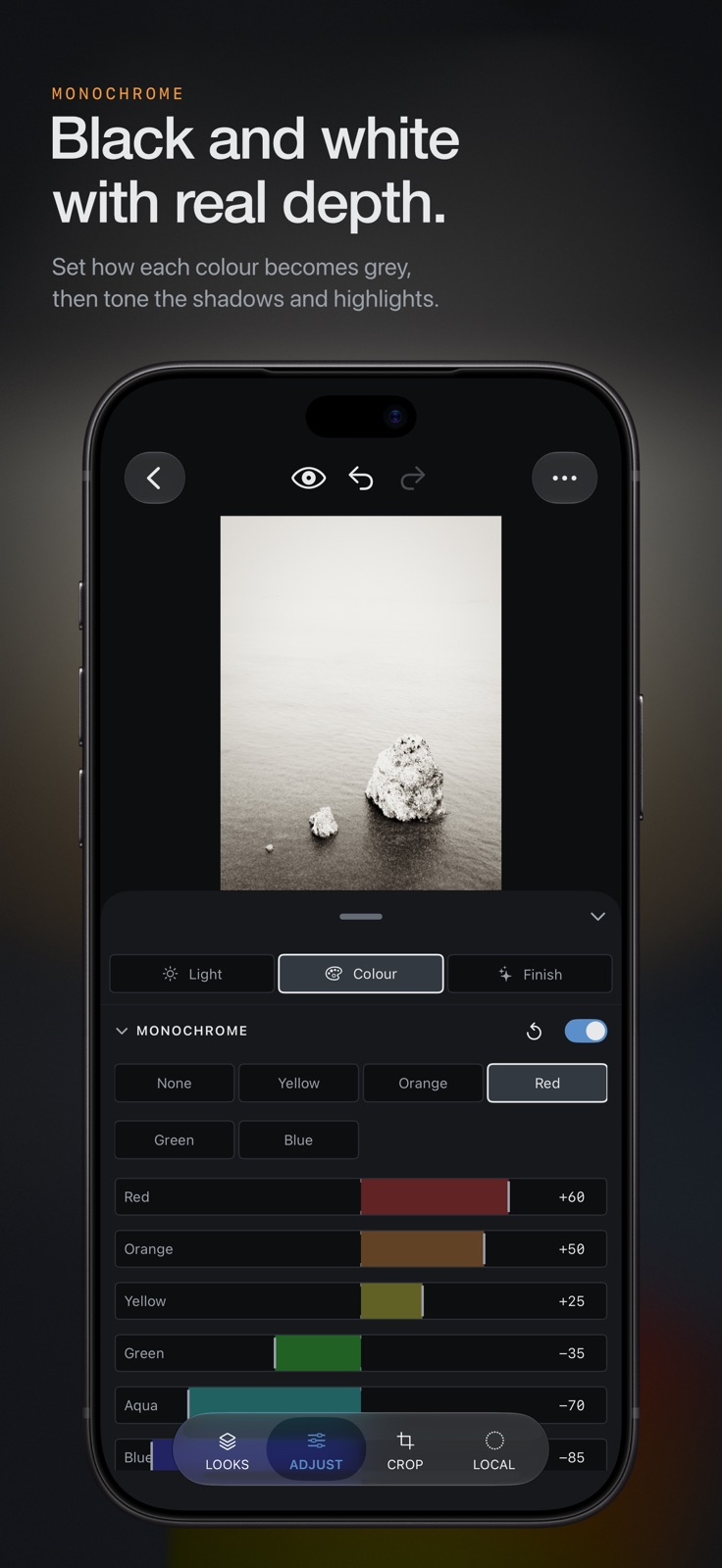
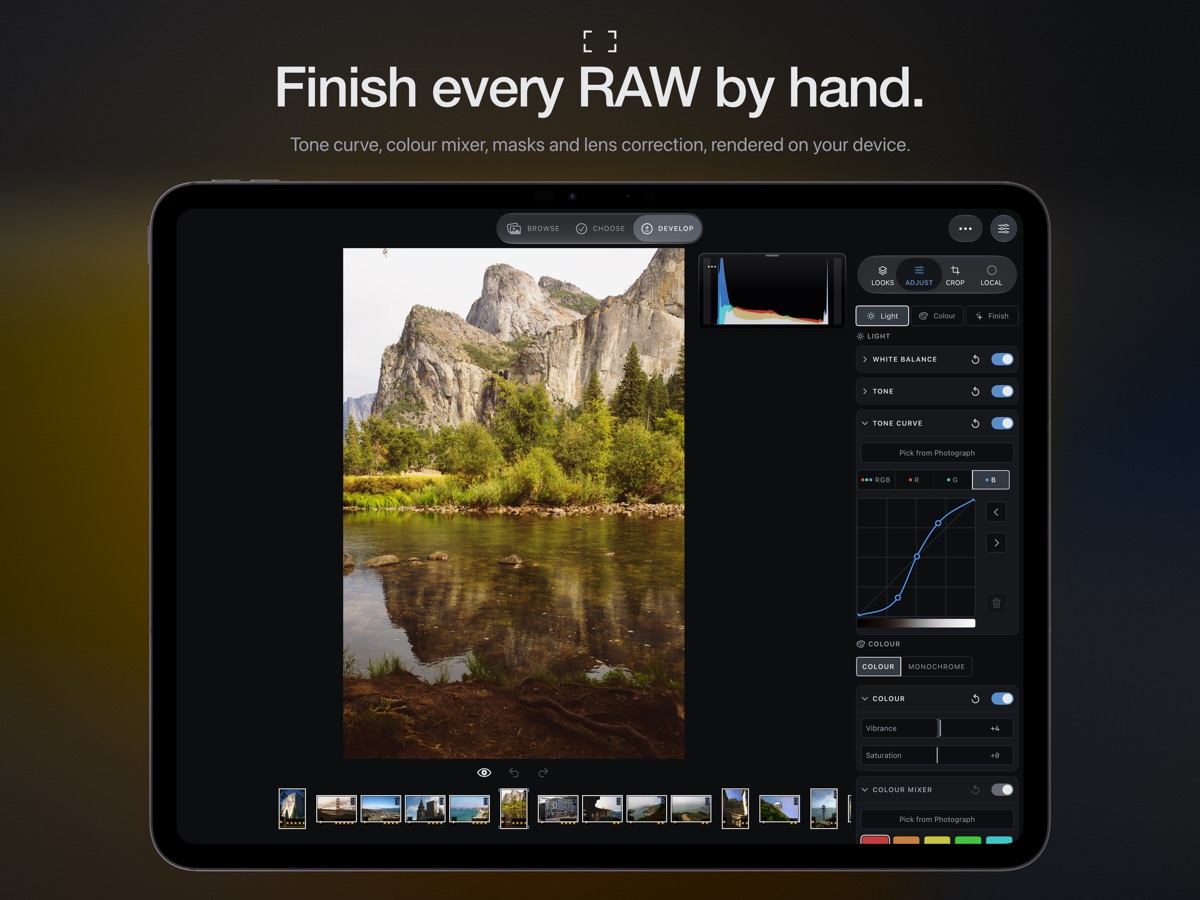
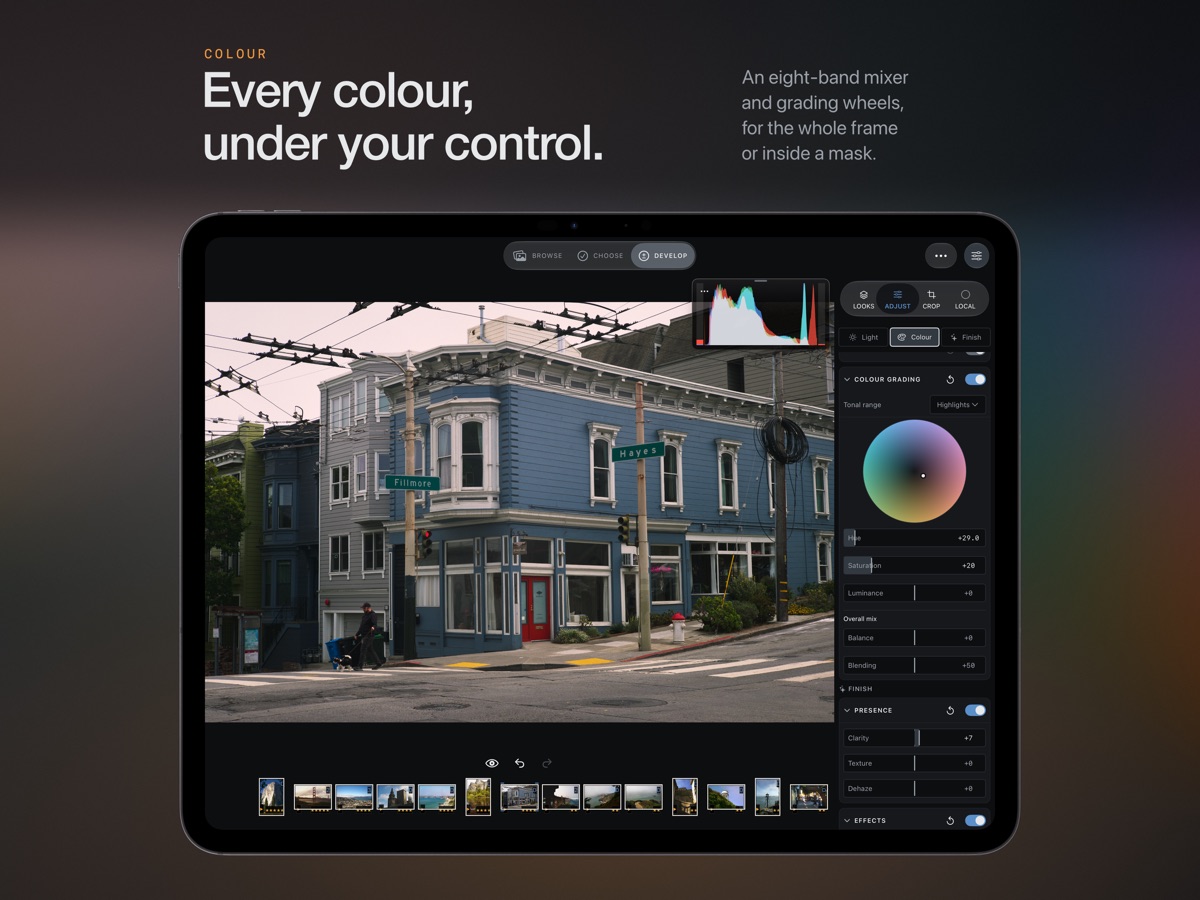
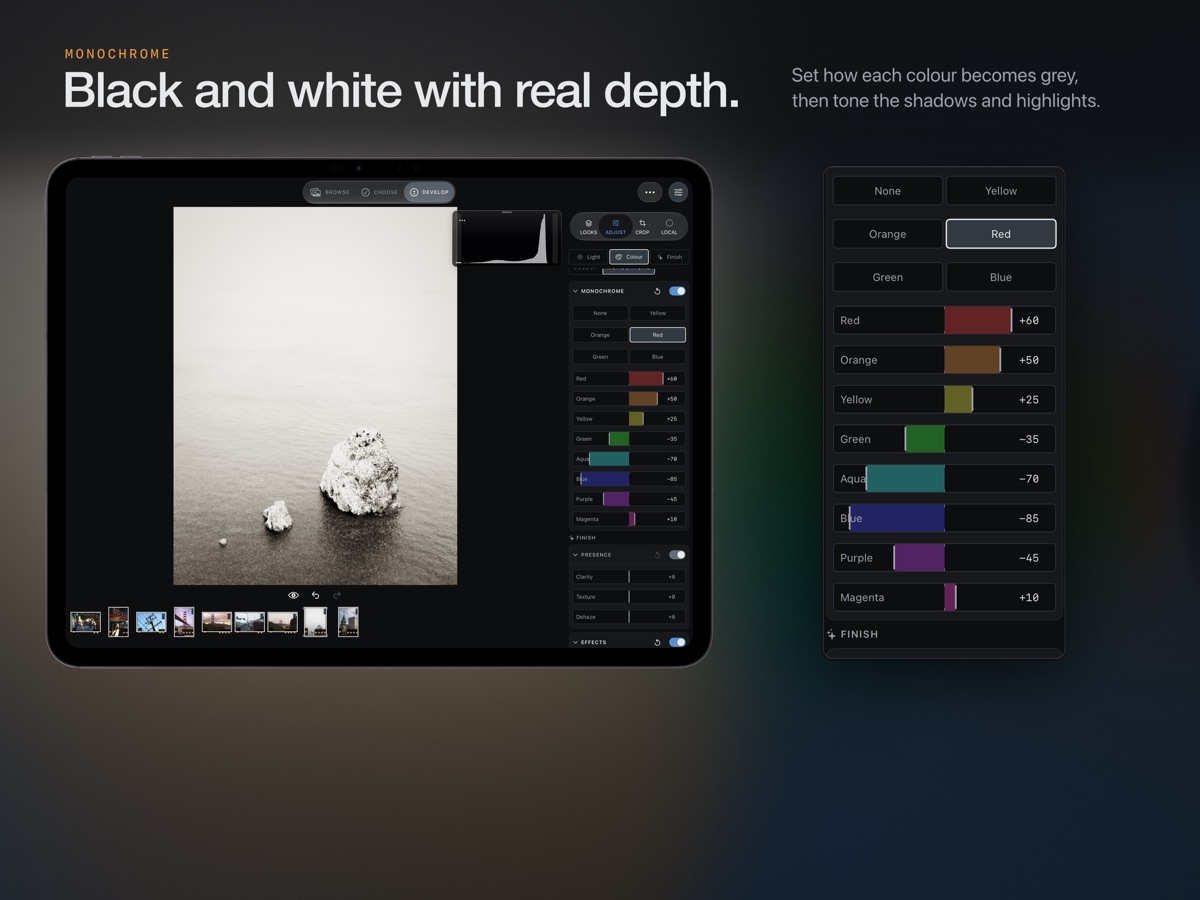
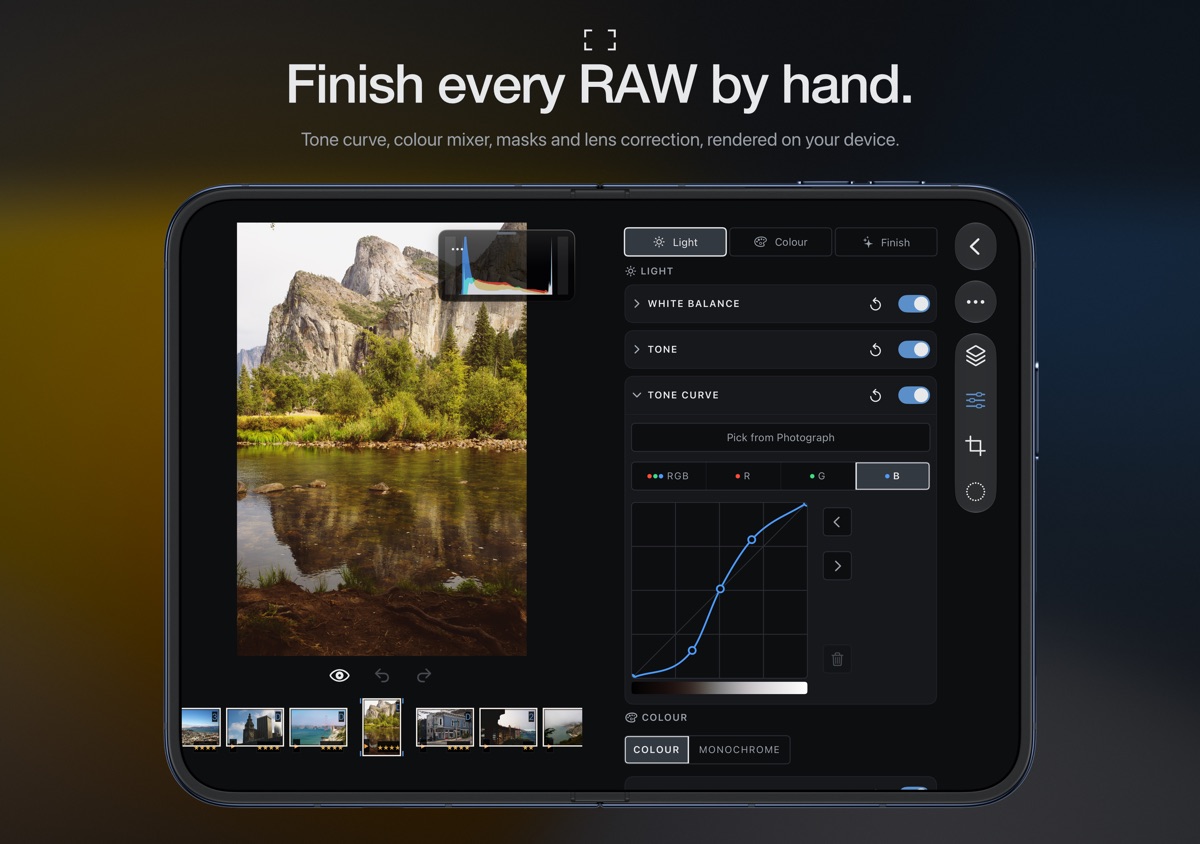
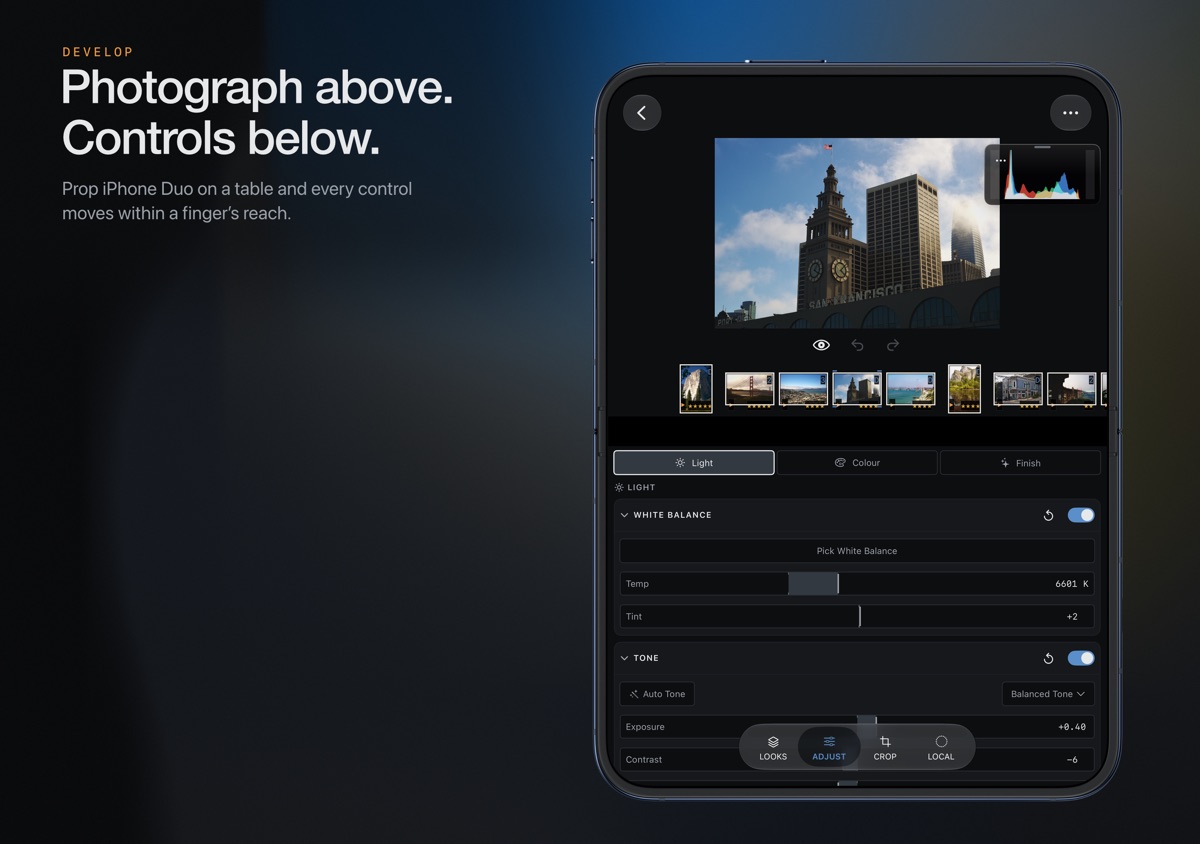
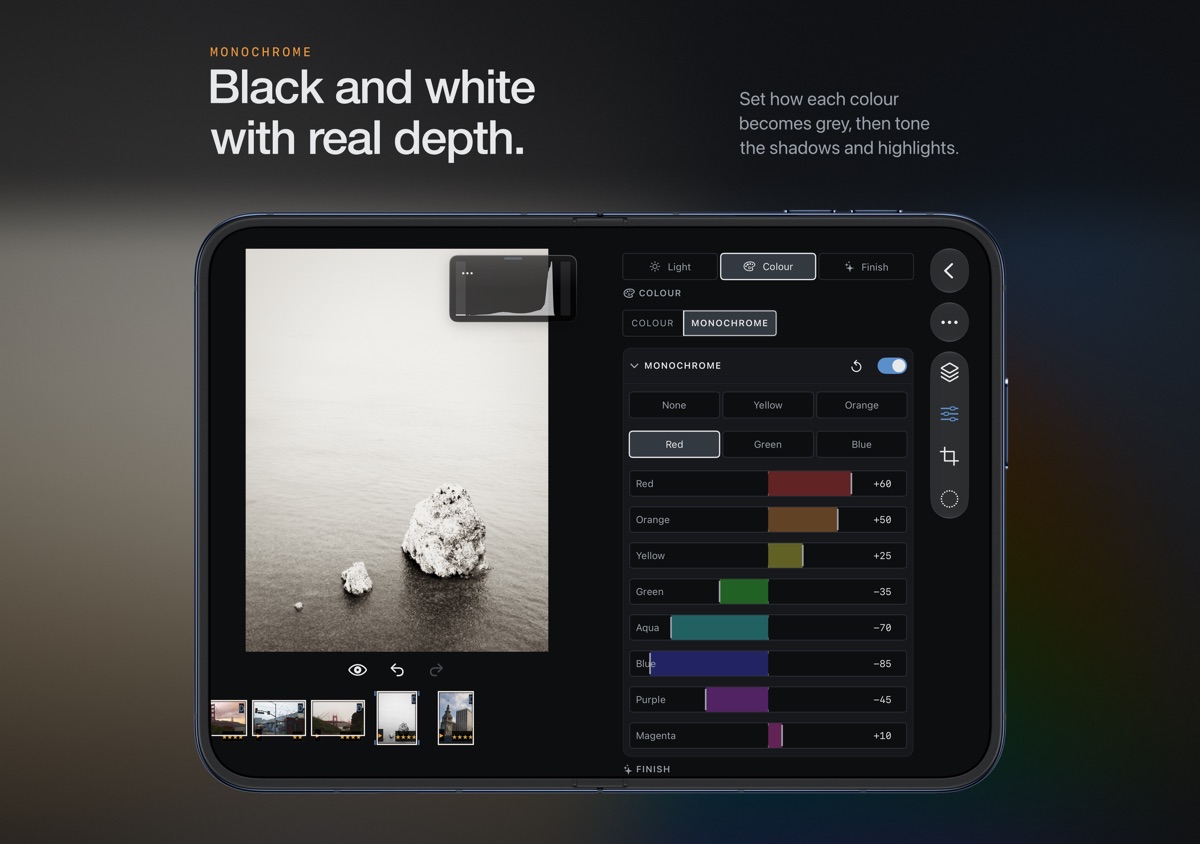
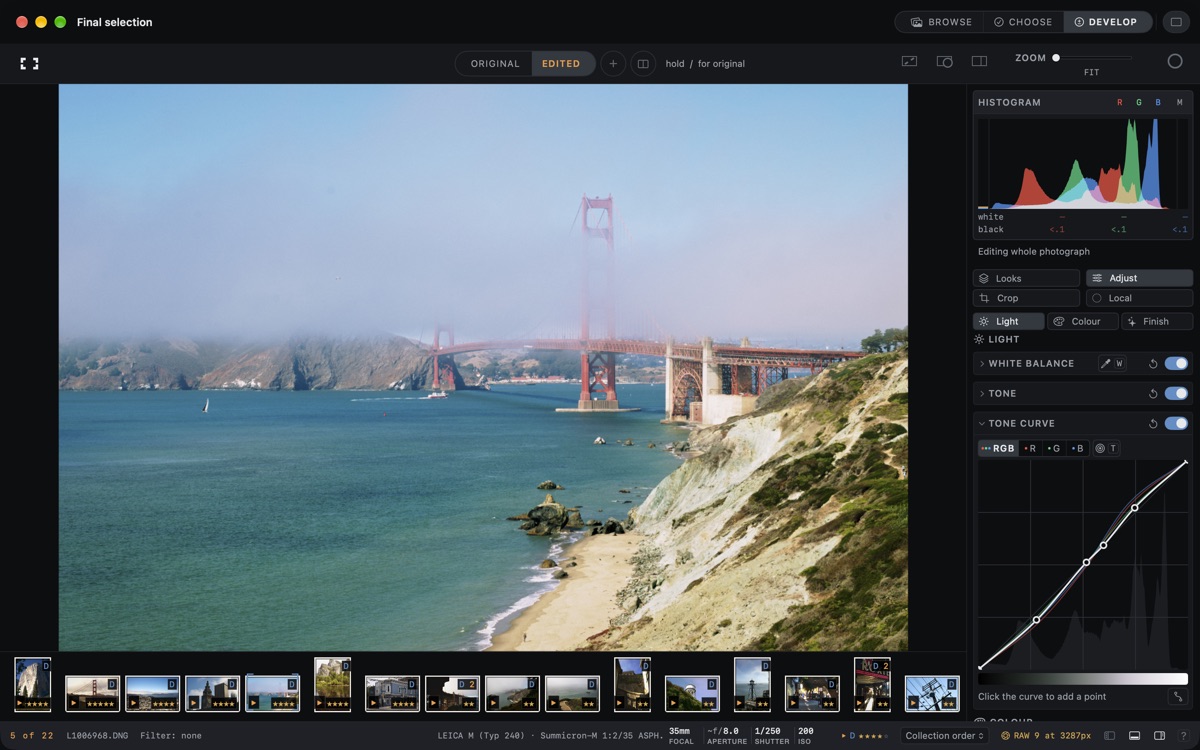
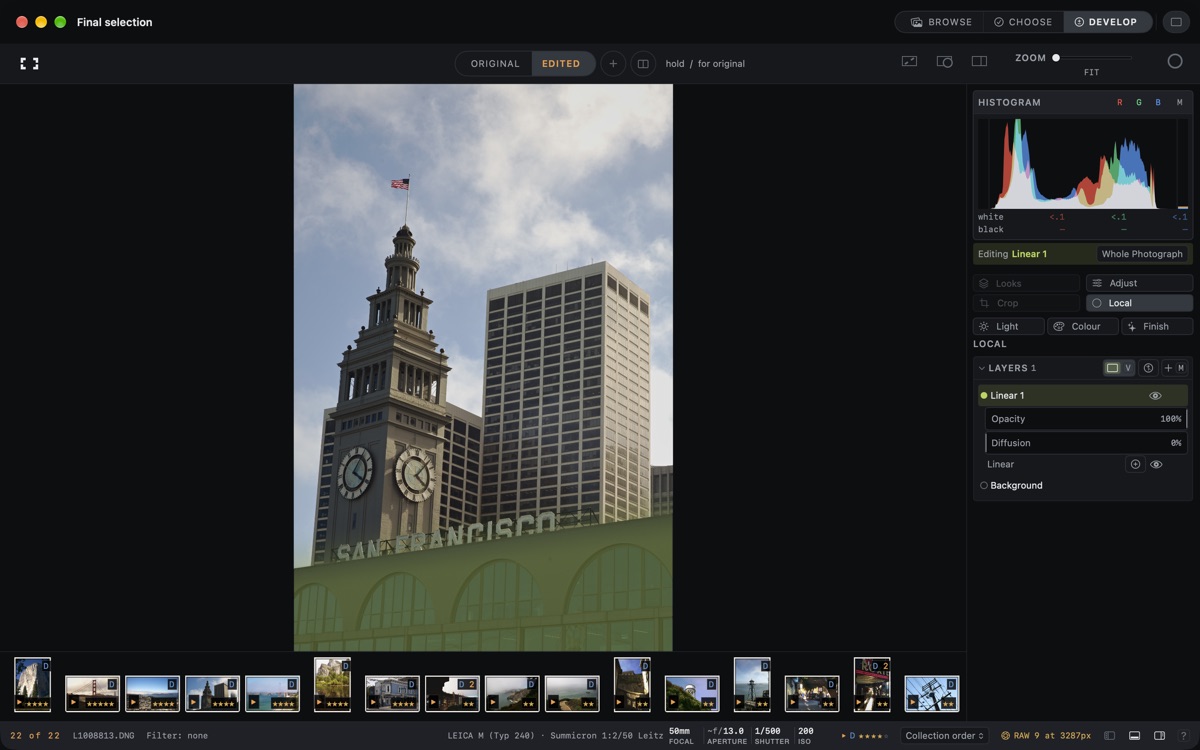
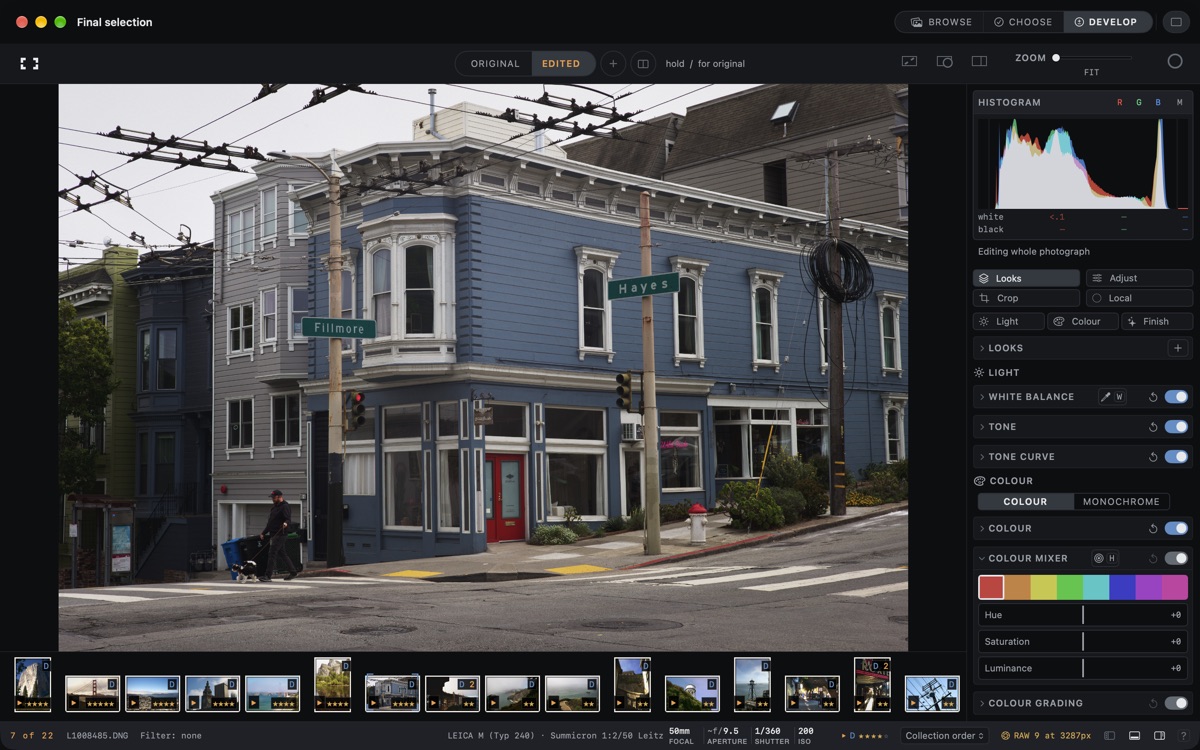
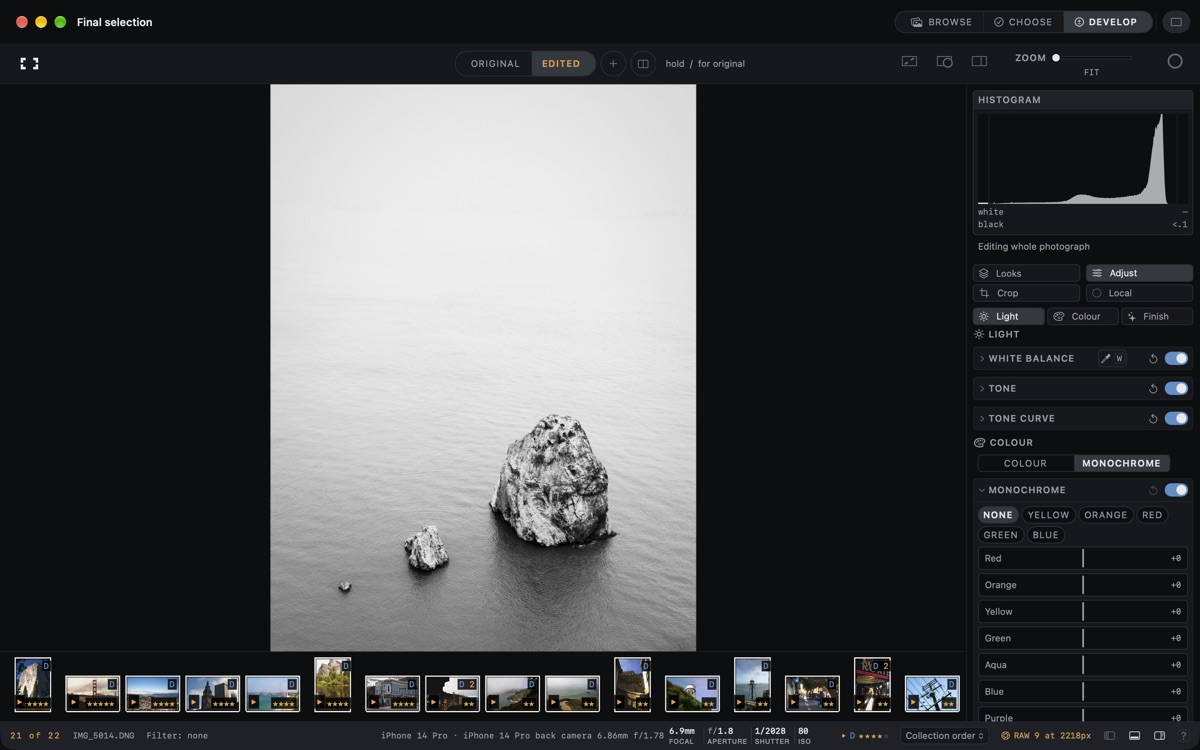
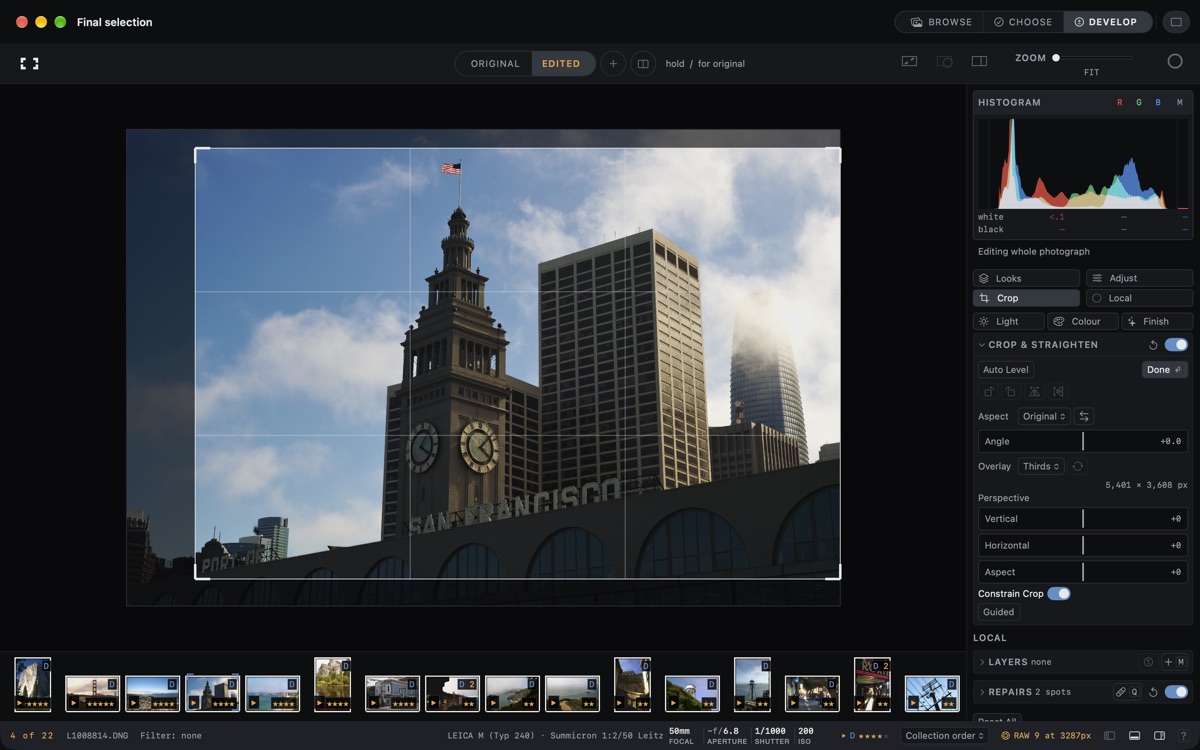
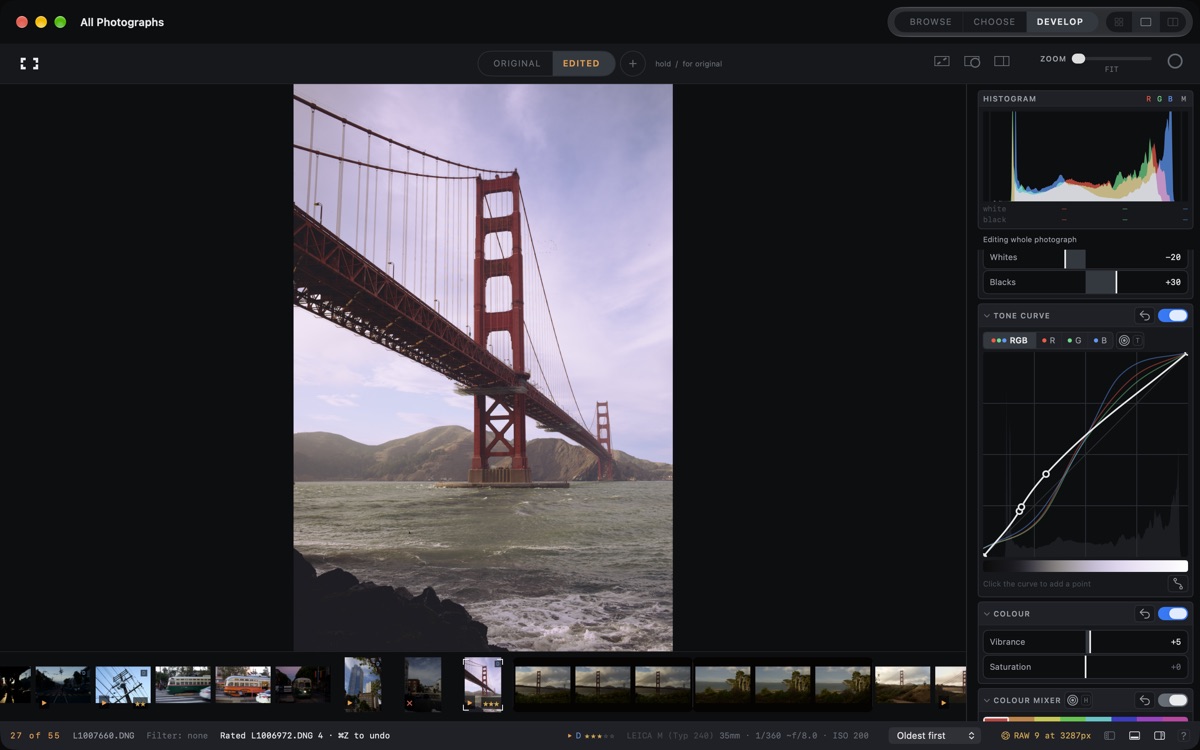
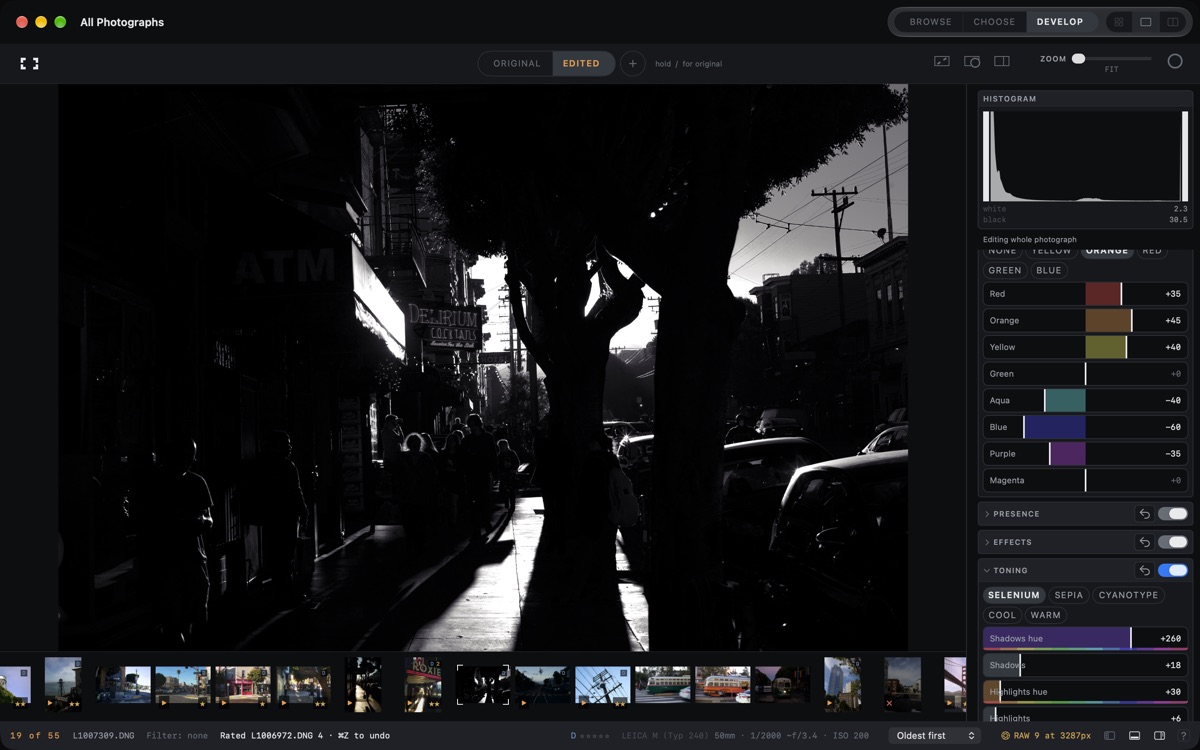
Develop RAW and regular photographs with exposure, Auto Tone, white balance, RGB curves, an eight-band colour mixer and colour-grading wheels. Shape monochrome conversions and toning; adjust clarity, texture and dehaze. Add grain, halation and vignette. Crop, straighten, correct perspective and apply lens corrections. Supported RAW controls include sharpening, noise reduction and highlight recovery.
MASKS, REPAIRS AND VERSIONS
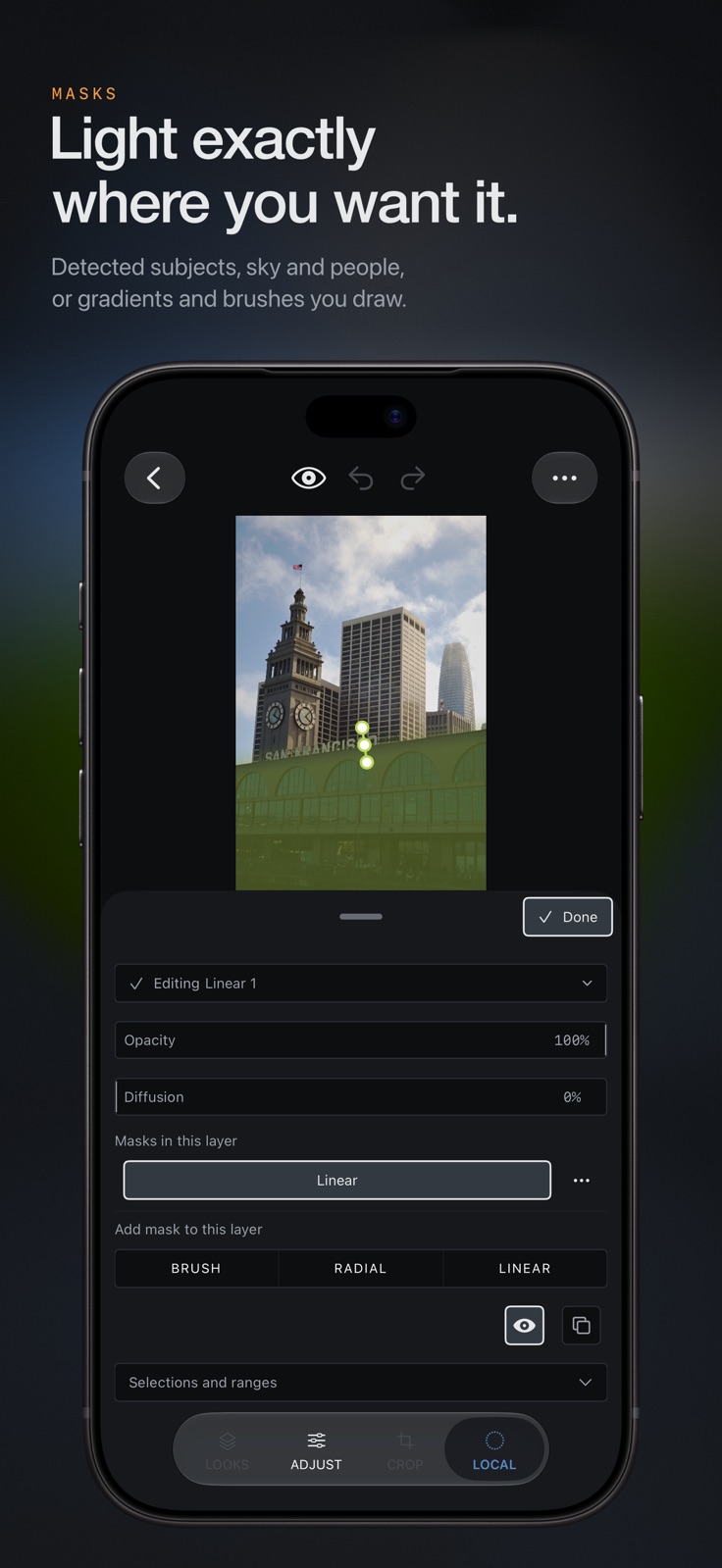
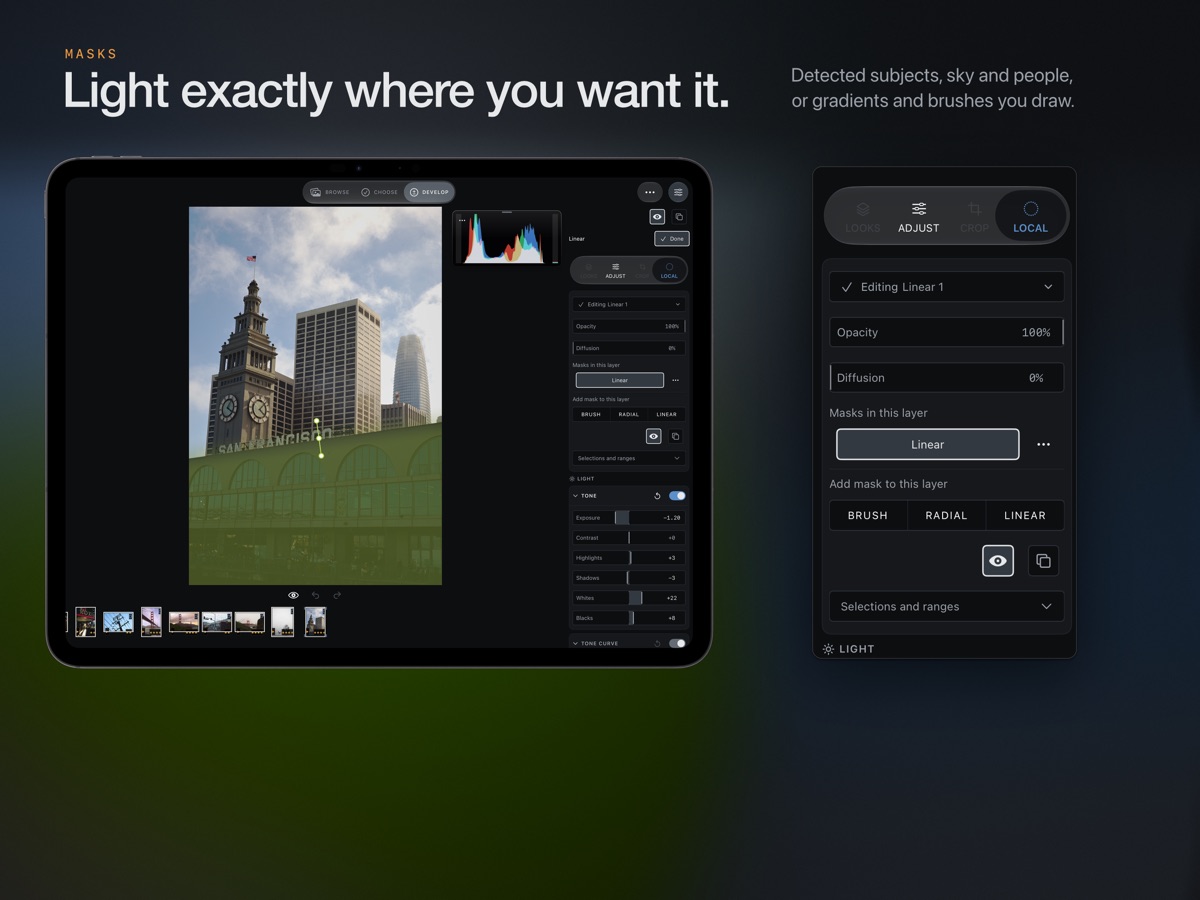
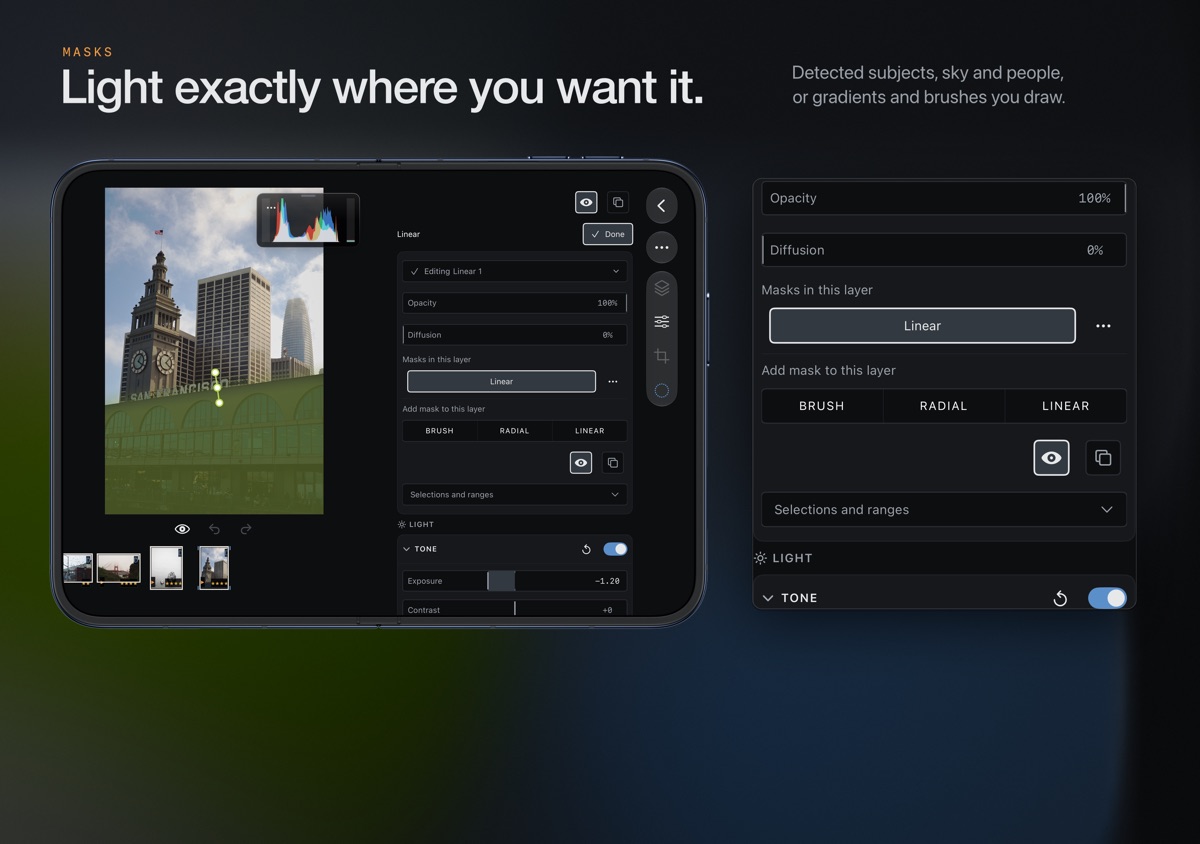
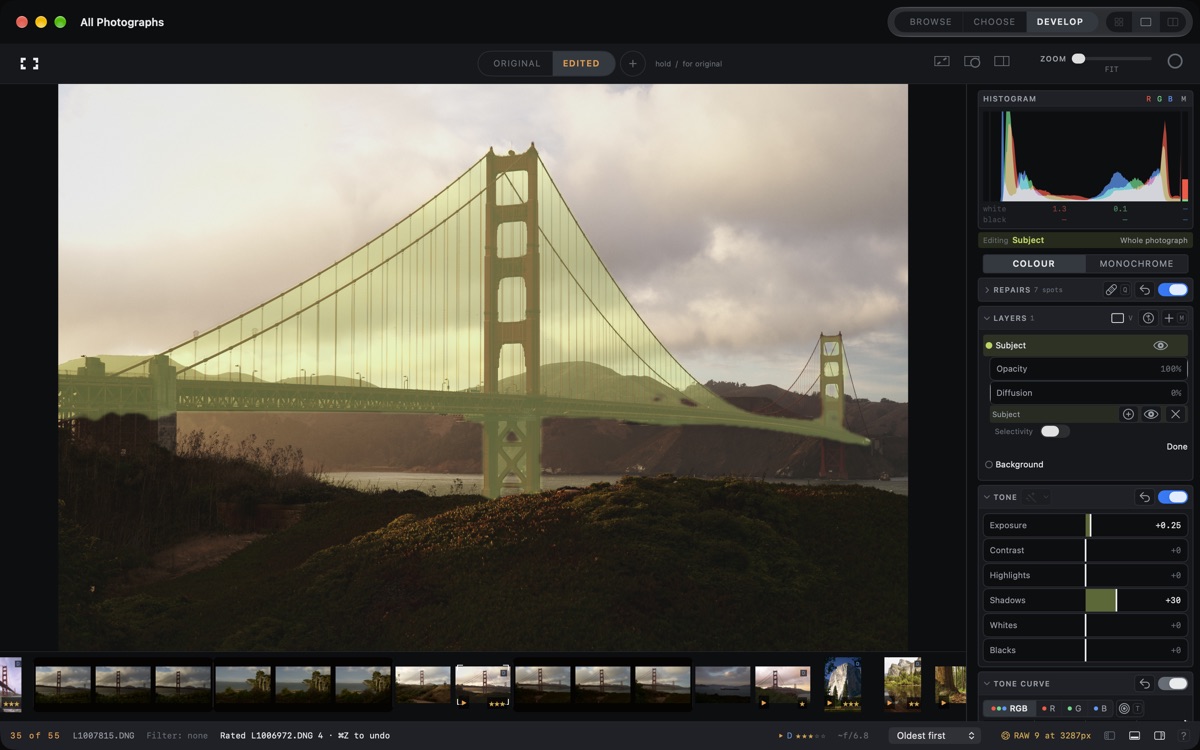
Use brushes, linear and radial gradients, colour, luminance and depth ranges, and detected subject, background, people, face-part and object masks. Sky and interactive Select masks require macOS 27. Heal or clone spots and strokes, and reuse sensor-dust maps across a selection. Keep multiple versions beside ORIGINAL, compare them with a movable divider, and copy or batch-apply edits. Try 32 included looks, adjust their strength and import supported Lightroom preset settings.
EXPORT AND PRESENT
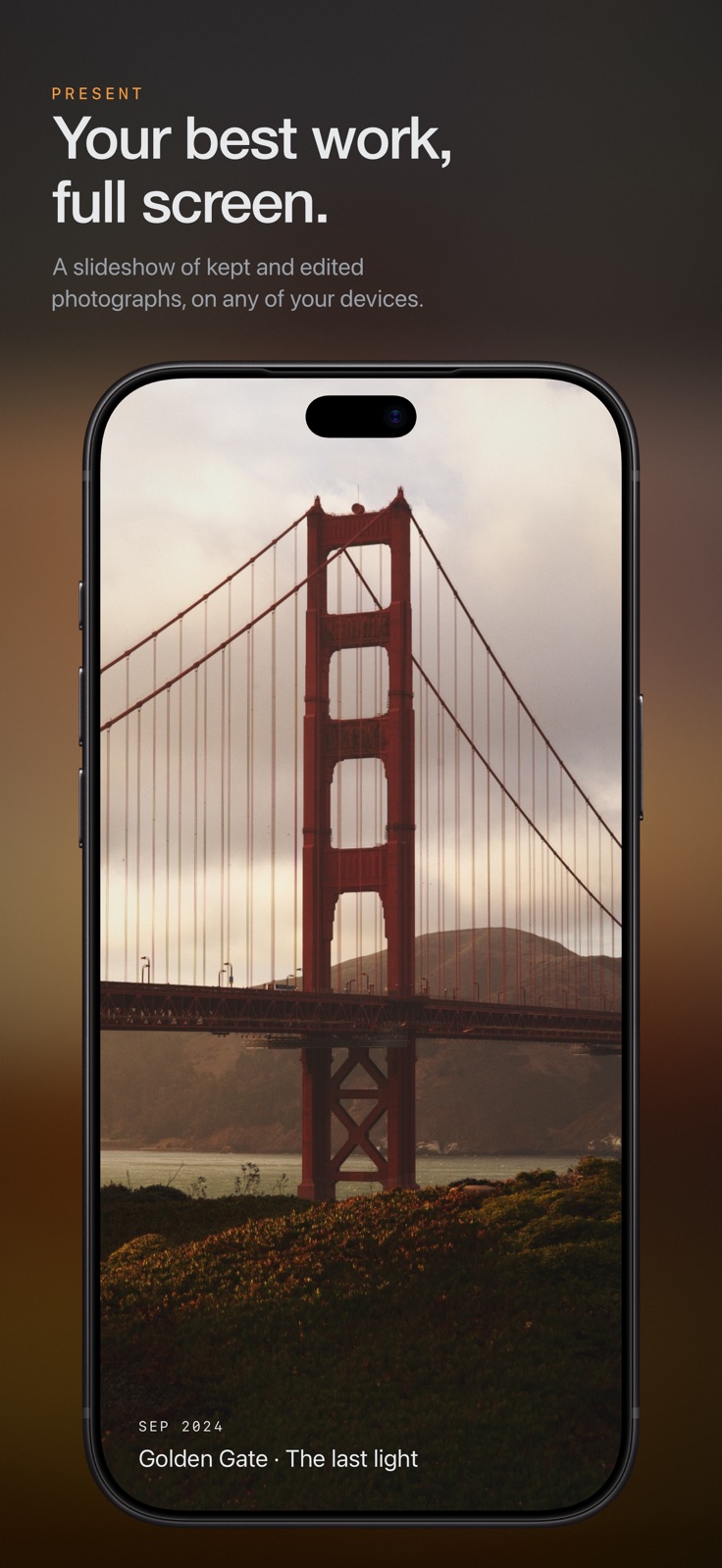
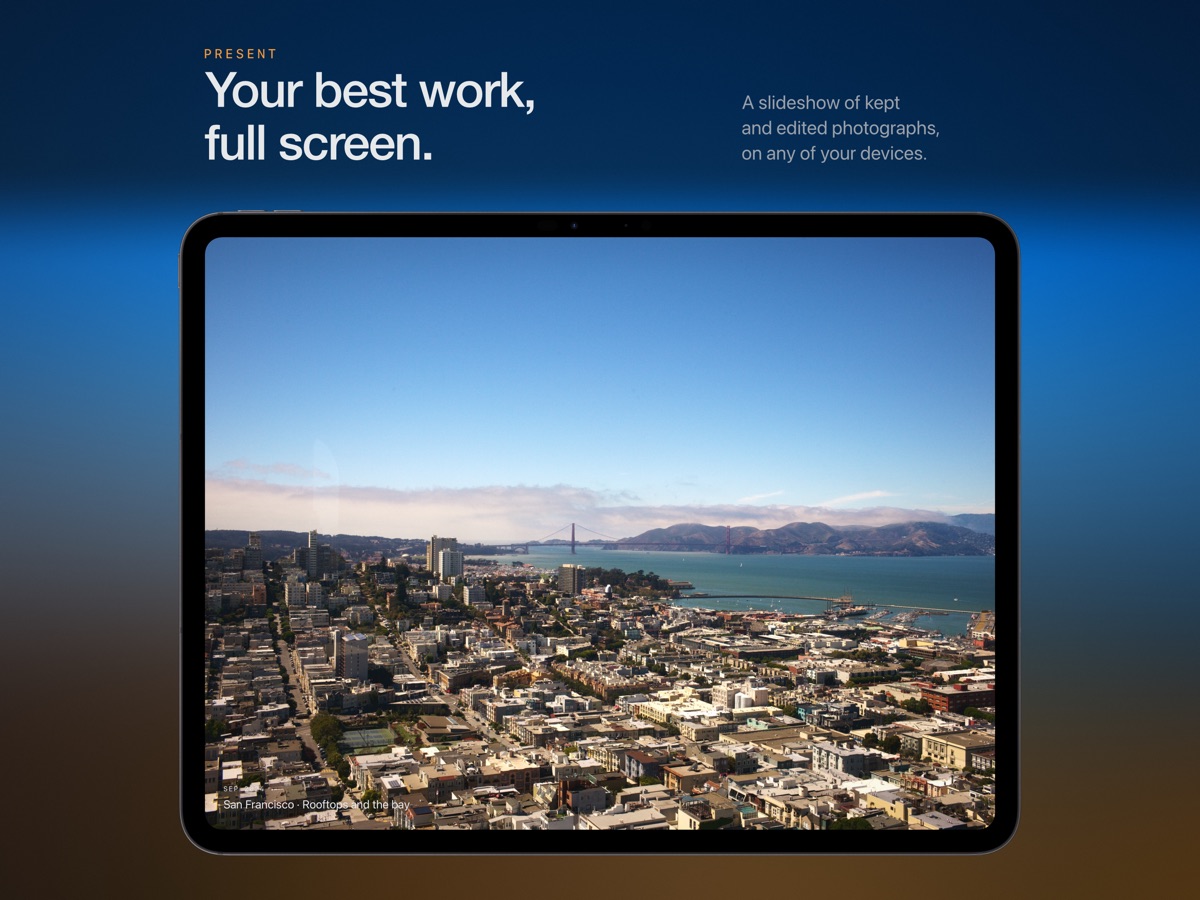
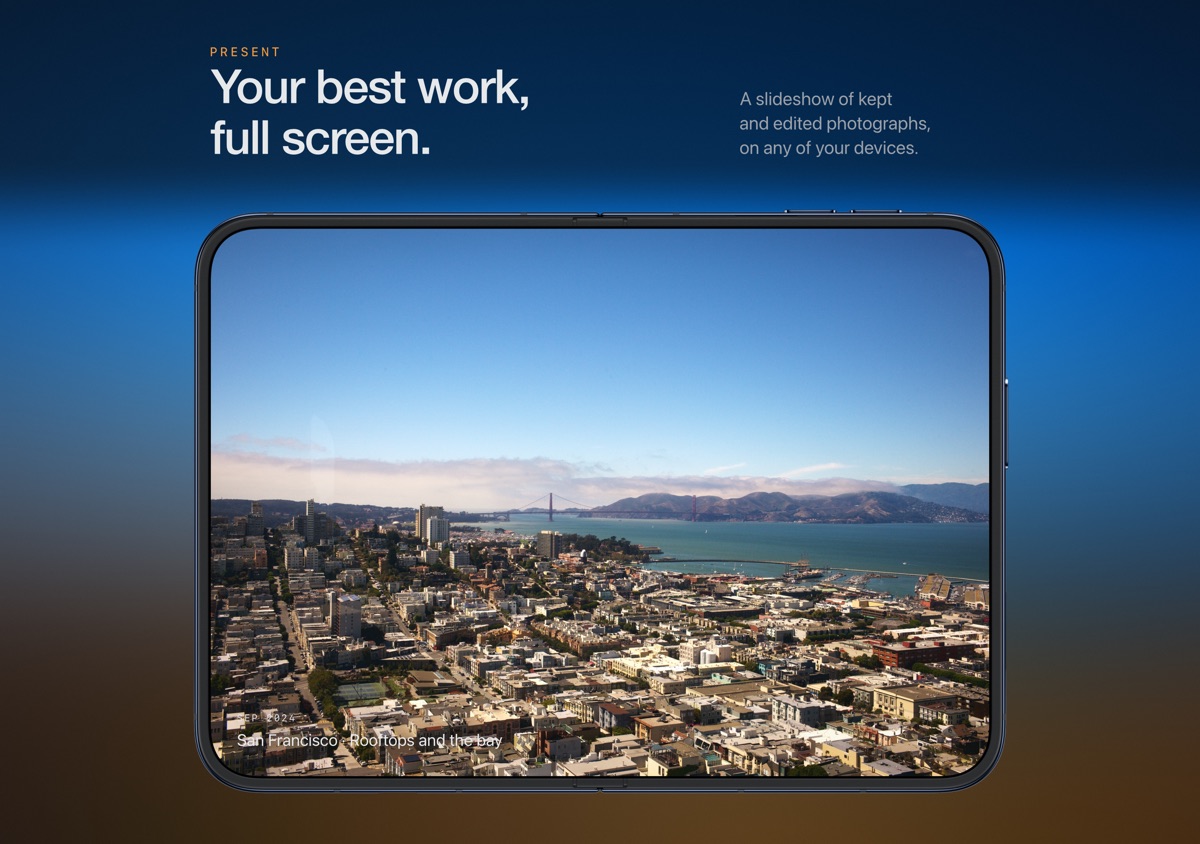
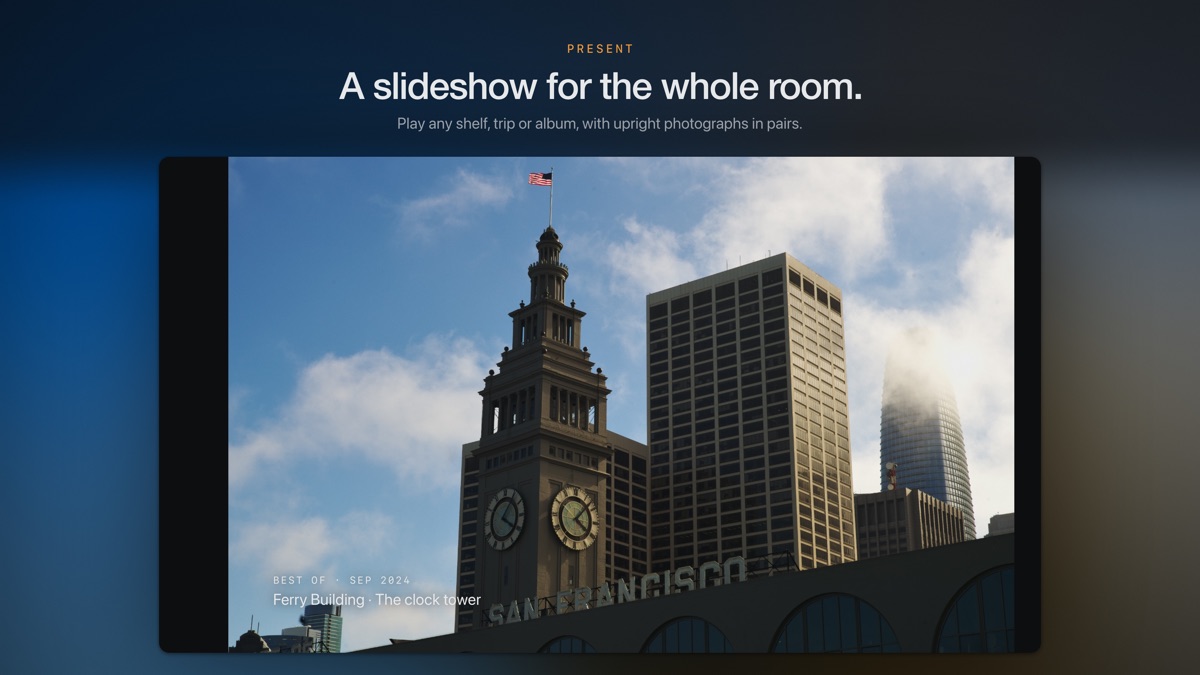
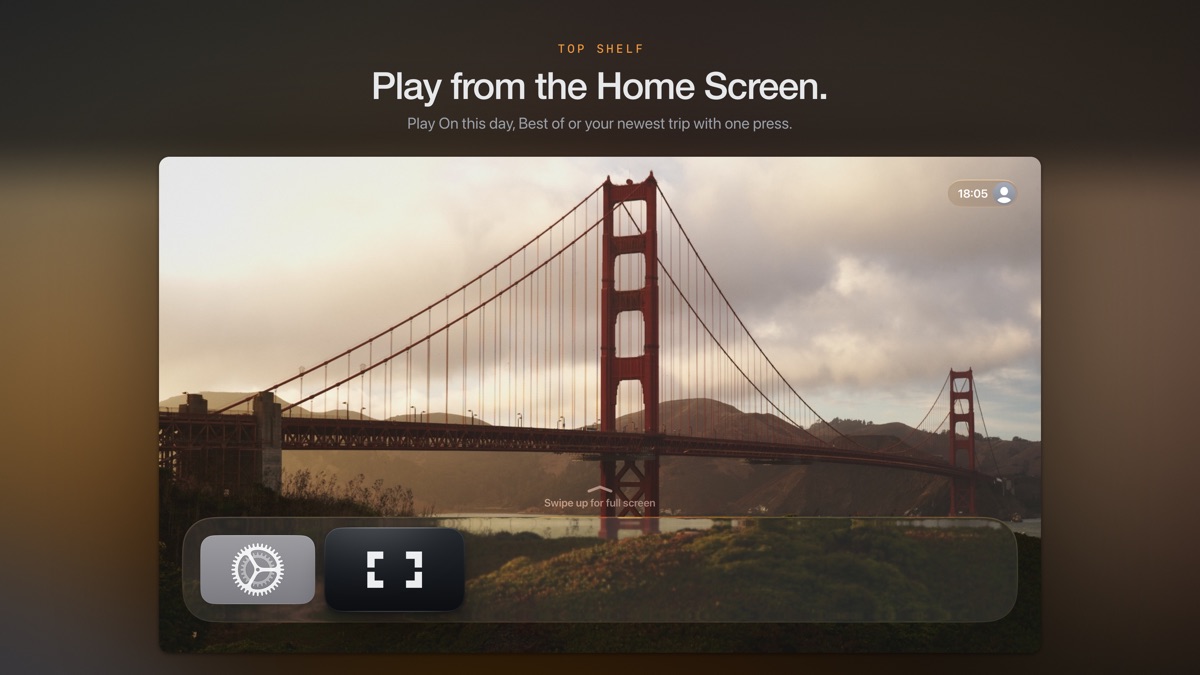
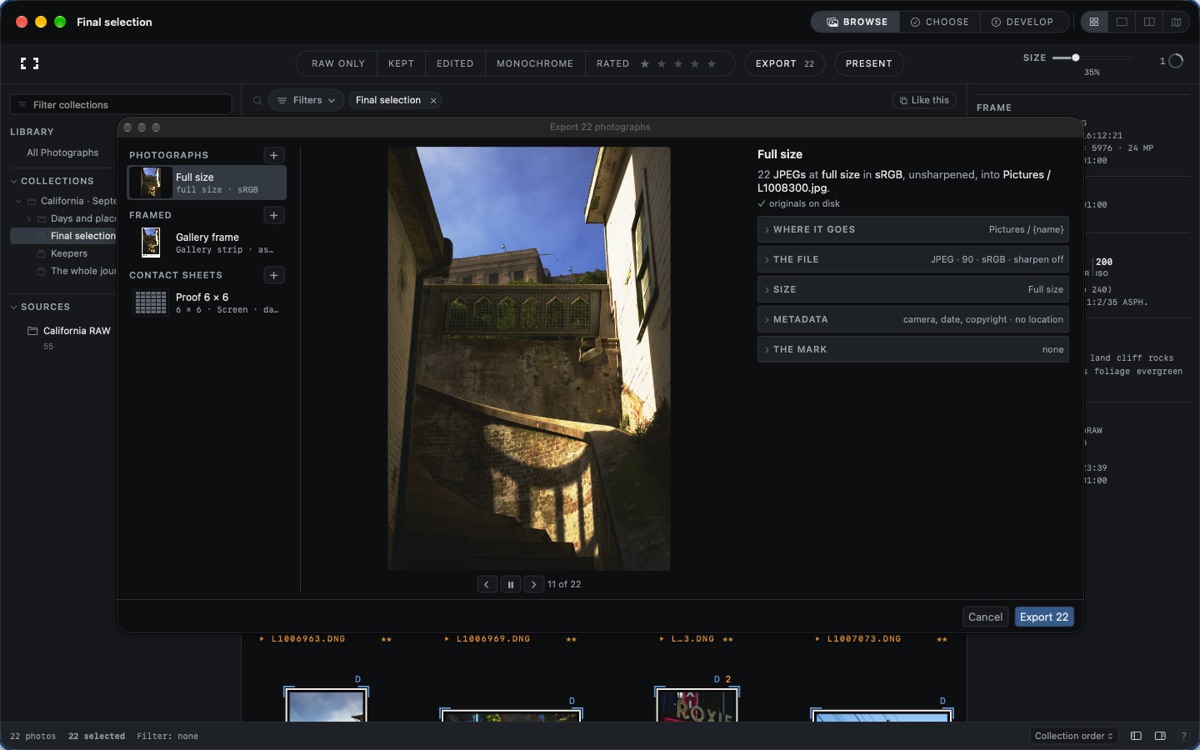
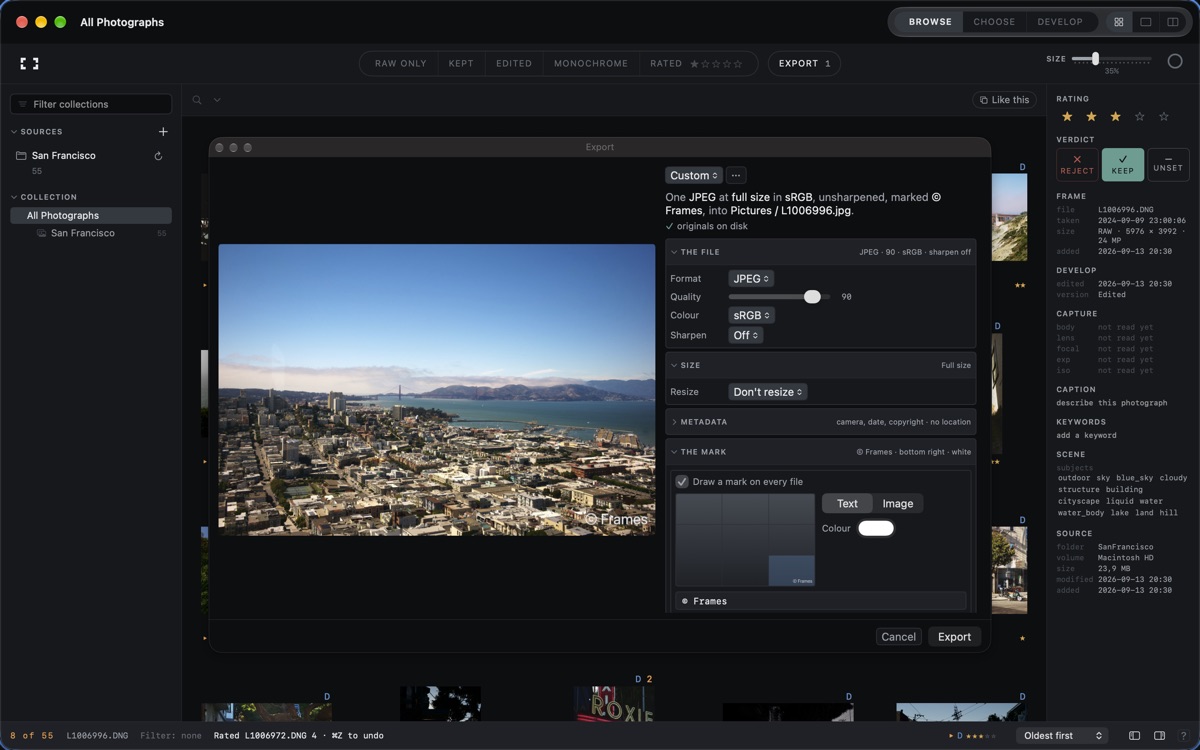
Soft proof and export JPEG, HEIF, TIFF or PNG with presets for size, colour space, metadata, file names and watermark. Add photographic frames and captions, or share contact sheets as images or PDFs. With permission, publish reversible edits back to Photos. Present full-screen slideshows with captions, motion, transitions and paired portraits.
ON YOUR MAC
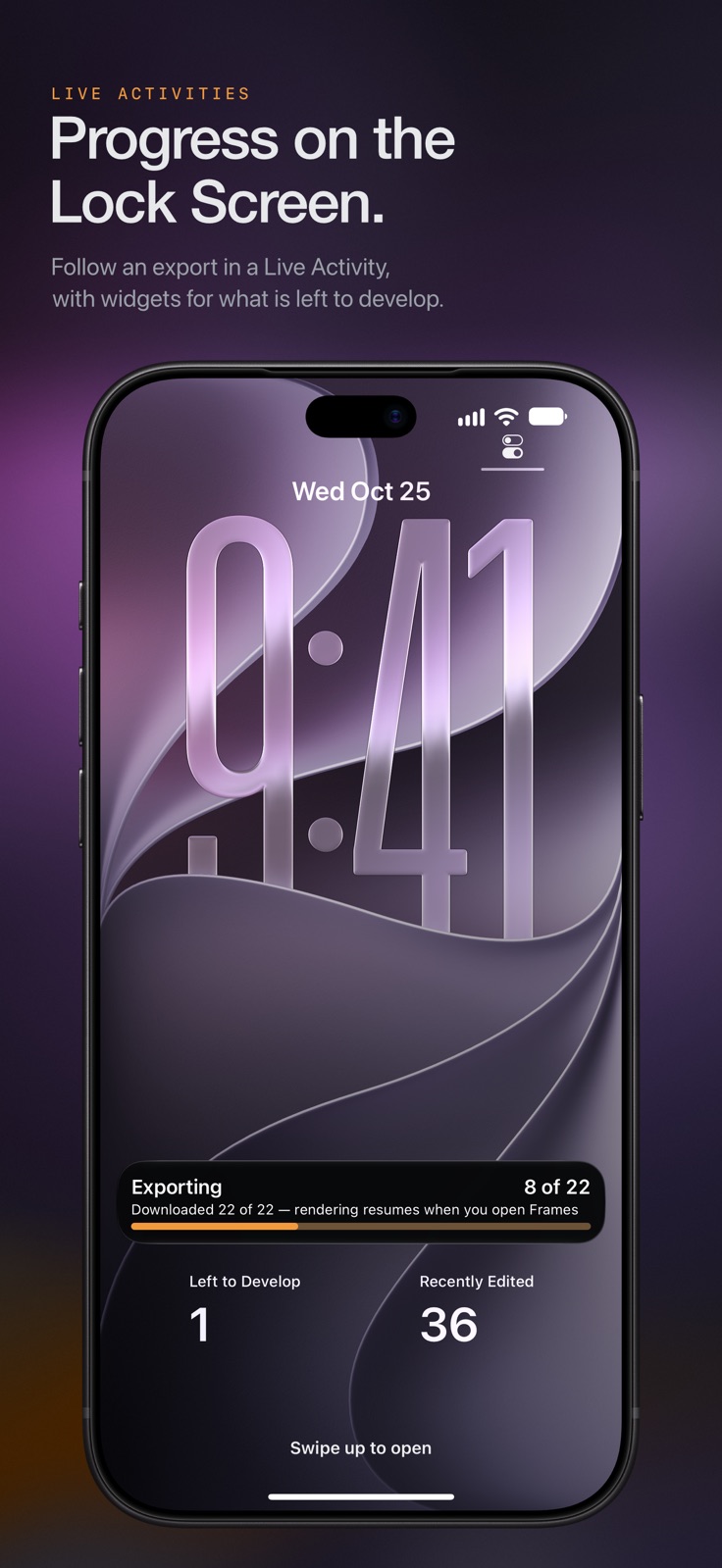
Composition Review helps you explore framing from your own intention. Use XMP and Frames treatment sidecars, catalogue backup and transfer, keyboard controls and rawctl automation. Follow jobs in the Dock; put collections and work queues on your desktop.
WORK ACROSS DEVICES
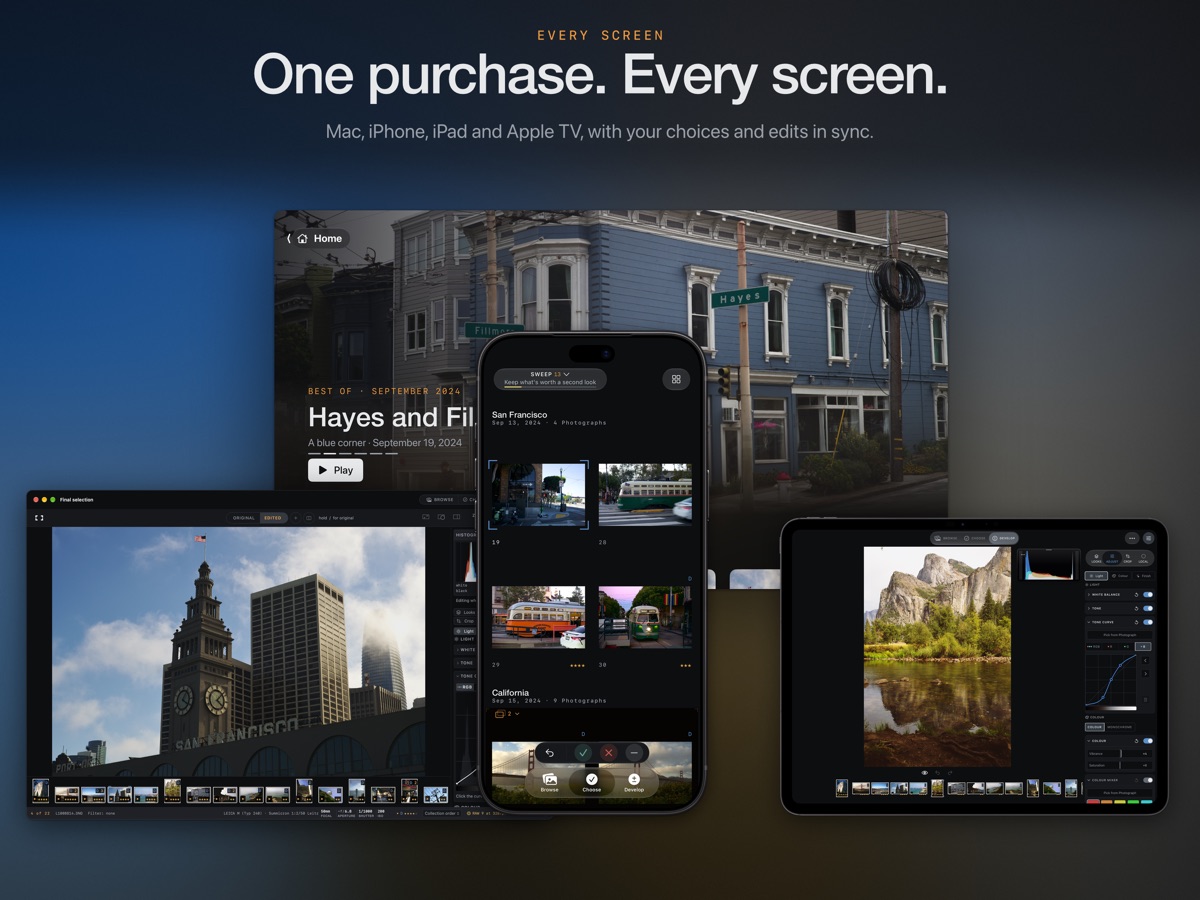
Private iCloud sync carries ratings, verdicts, metadata, edits, versions, collections, saved searches, looks and export presets. Photographs and previews are not uploaded by decision sync. Processing and image analysis run on your device. Shortcuts, Siri, Spotlight, Handoff, interactive widgets and the built-in Field Guide help you keep working.
TRY EVERYTHING
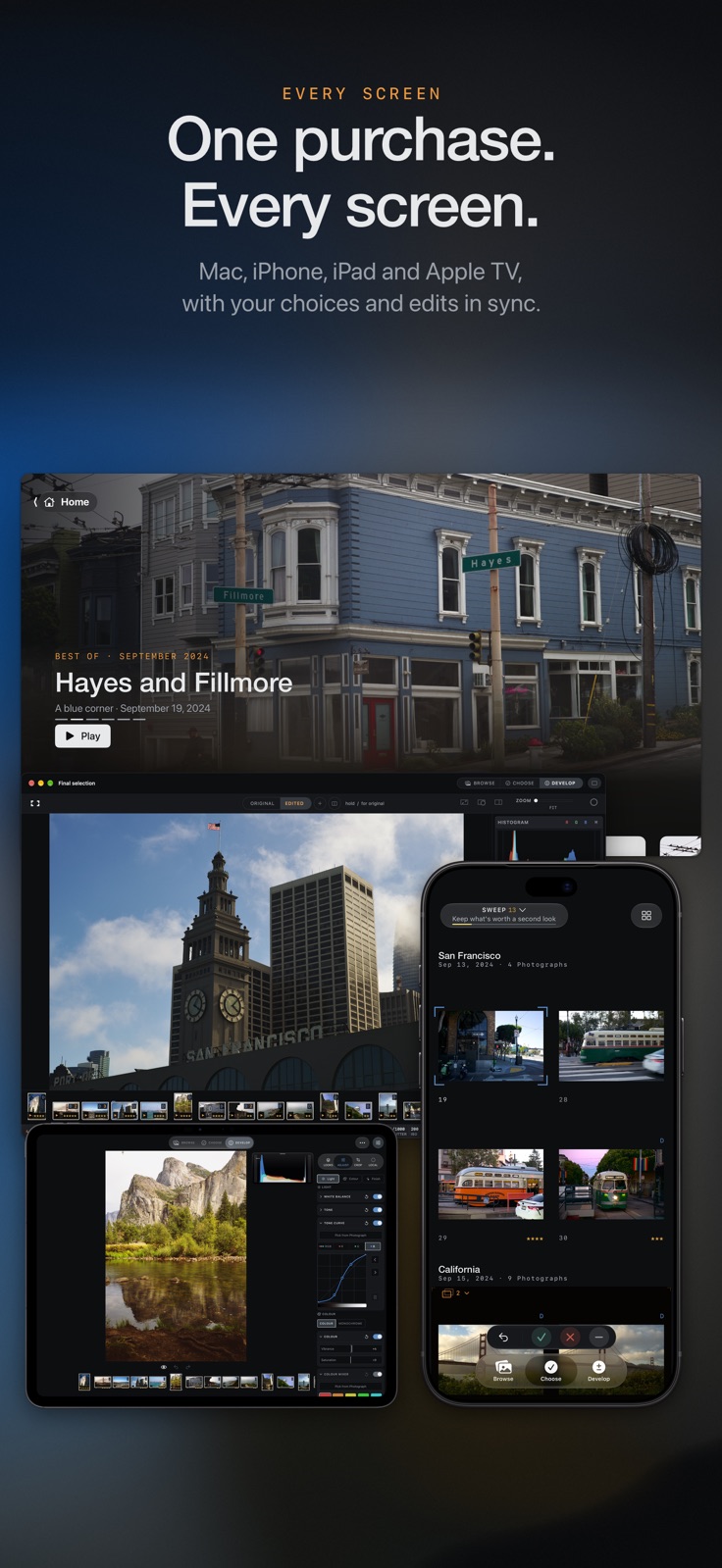
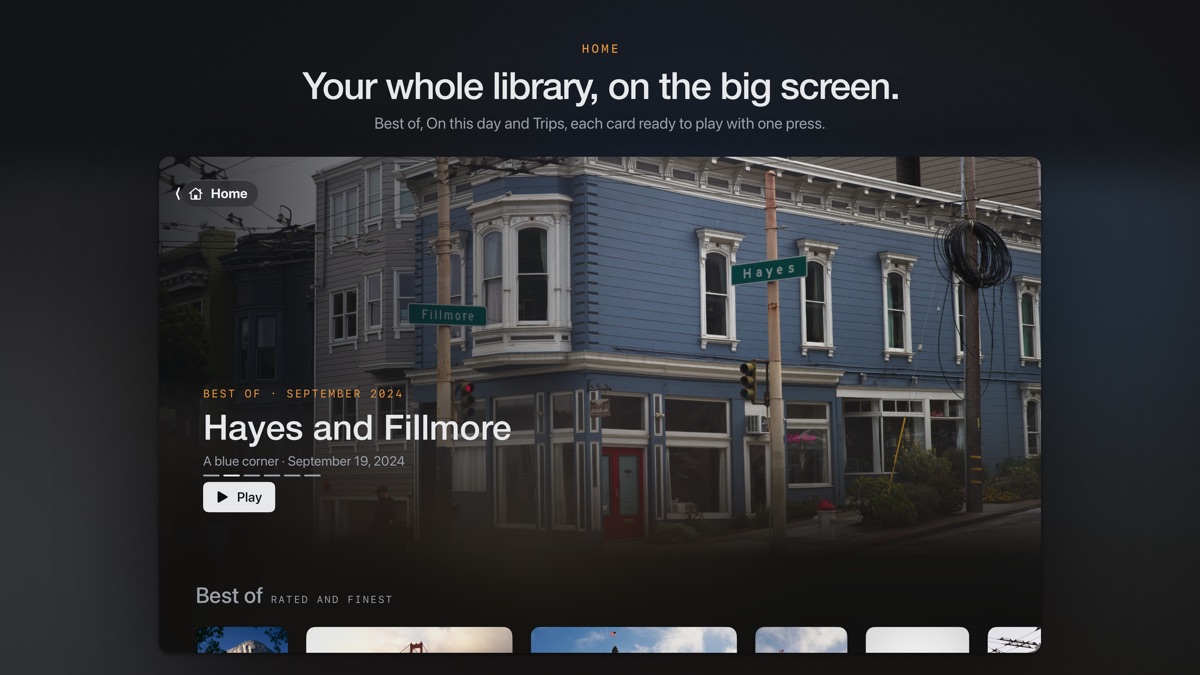
A 30-day trial includes every feature. One in-app purchase unlocks Frames on Mac, iPhone, iPad and Apple TV, with no subscription or Frames account. Your catalogue and edits remain saved after the trial.